
A week after Wattbar 1.4, version 1.5 is out. This one is about looks and about bugs: a few new touches in the panel, a round of bug hunting through the whole app, and a panel that uses about a third less processor.
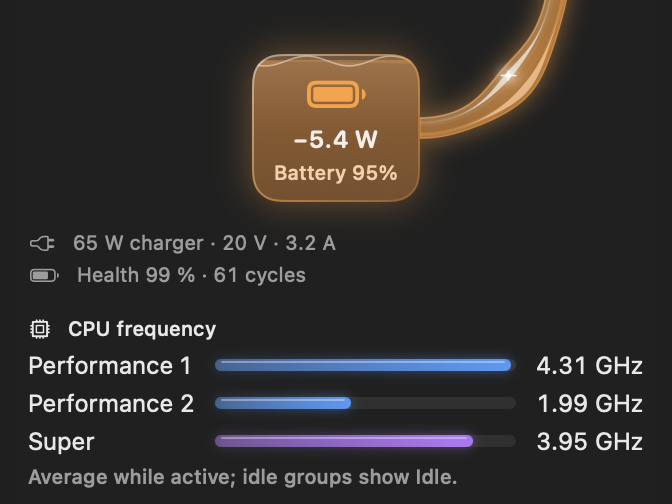
A battery you can see
The battery card now fills up like a glass to the battery’s level: blue while it charges, orange while it helps a charger that can’t keep up, and clear glass while it rests. The surface stands still, so it costs nothing to draw.
Bars for the CPU and the apps
With CPU frequency switched on, each group of cores gets a glass bar in its own colour, showing how close it runs to its own top speed. And the list of apps using the most power or memory shows each app’s share with a bar, so you see the differences at a glance.
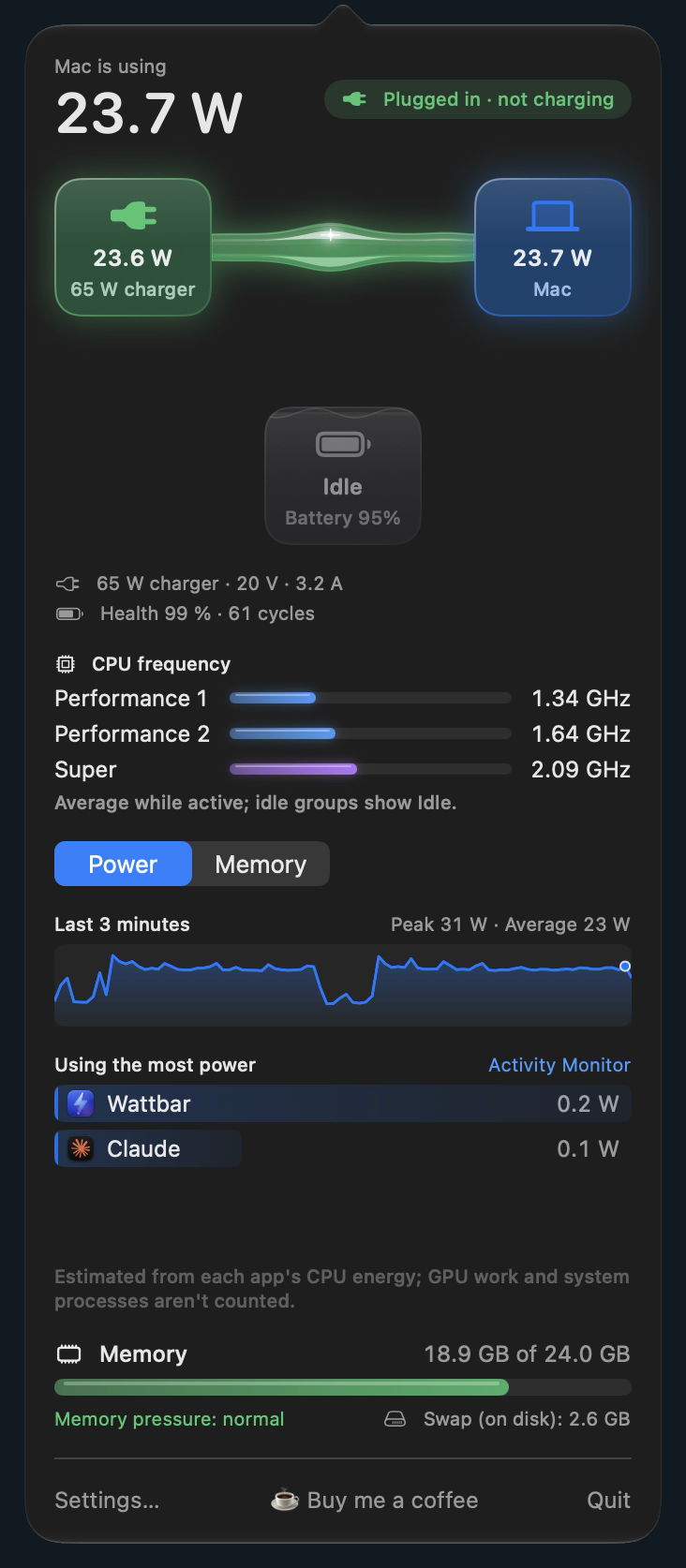
A third less processor
The soft glow around the cards breathes slowly. That small animation turned out to make the whole panel redraw itself on every frame. It is now animated by macOS itself (Core Animation), which looks the same and costs Wattbar nothing. On my Mac the panel went from about 15 % of one processor core to about 9 % while it is open. With the panel closed, Wattbar uses about 0.2 %.
And a round of bug hunting
- Time while the Mac sleeps now counts. Busy minutes before the lid was closed no longer count toward a High power use notification after waking, or show in the graph as if they had just happened.
- A notification that couldn’t be shown is tried again after 30 seconds, and one held back because notifications were switched off comes once they are allowed again.
- Swapping chargers quickly shows the new charger’s rating at once.
- A momentary hiccup from the power sensors no longer hides a reading until Wattbar is restarted.
- The stacked menu bar layout no longer cuts off the bottom of the CPU icon.
- The simple menu shows the CPU frequency right away, and VoiceOver reads the panel properly.
The full list is in the changelog on the page.
Get it
Version 1.5 is free, for Apple silicon Macs with macOS 13 or later, signed and notarized by Apple. Get it here!