FuMesh is the mesh editor I made for fixing 3D models and getting them ready to print. Version 0.6.3 is out for Mac, Windows and Linux, still as early access. There are no new tools this time. It fixes 71 bugs, it starts faster, and files now open in millimetres.
This was the third bug hunt. Eight testers each took one area of the app, and every bug had to be shown with a small script that makes it happen, mostly on my own models. That gave 71 reports, and all 71 are fixed here.
Early access. It works on my models and prints, but expect rough edges. Keep a copy of your original files. The Mac version needs macOS 26 or newer.
Cuts and print prep
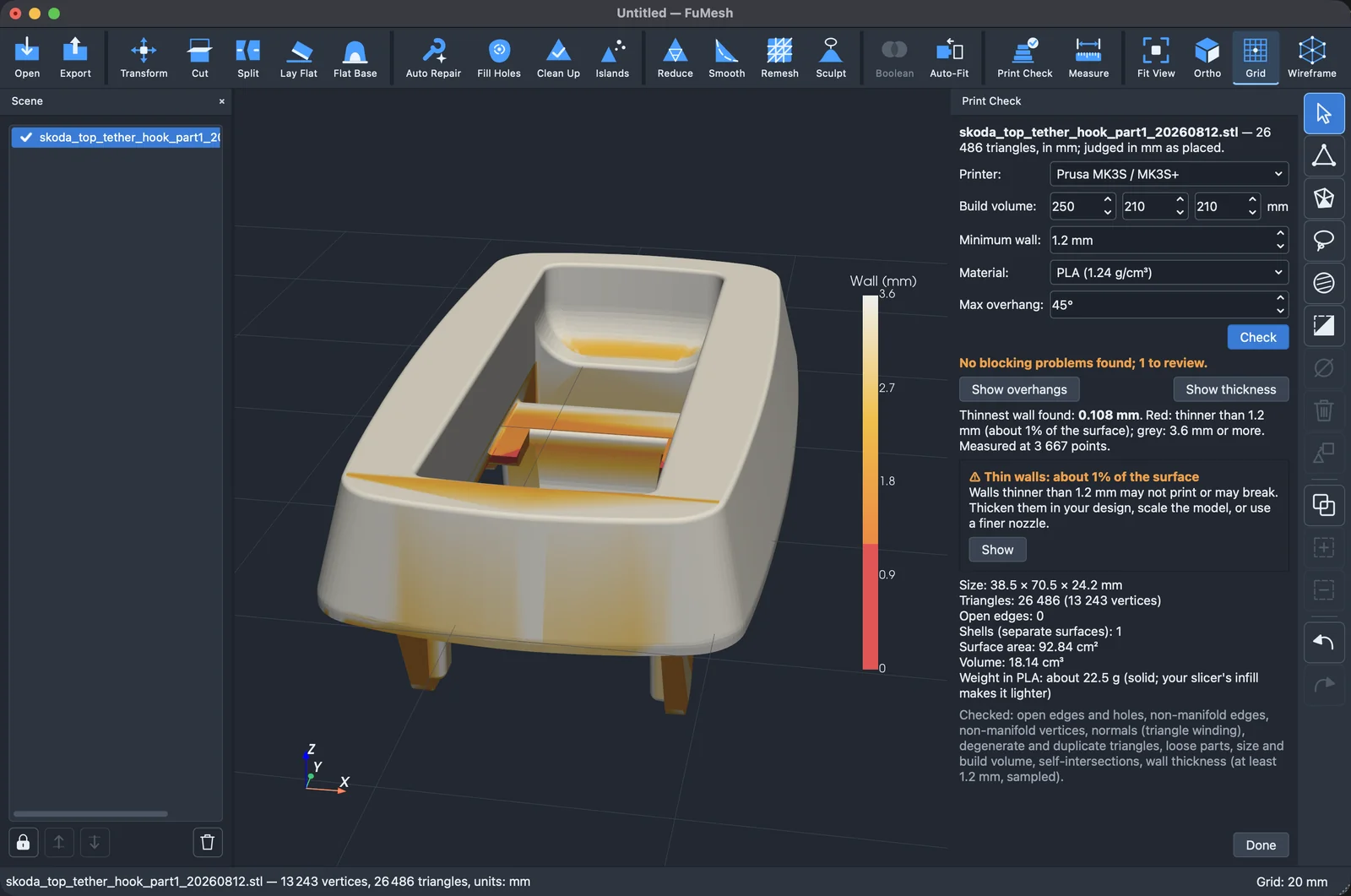
Show thickness in Print Check missed thin walls on CAD parts: their long triangles made a 0.5 mm wall look thick. Now a coarse part is measured triangle by triangle, and thin walls turn red.
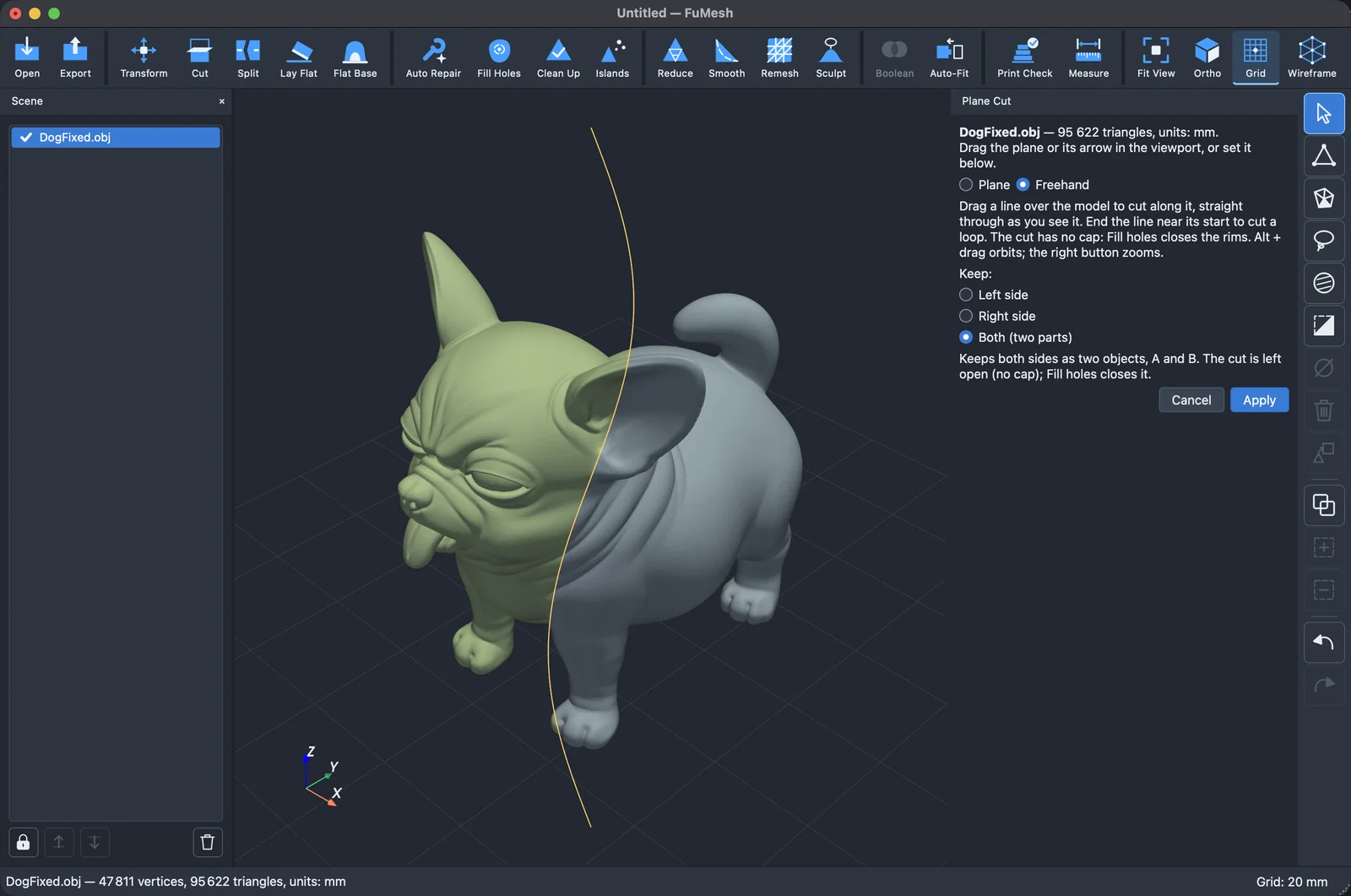
The freehand cut didn’t quite follow your line in the normal perspective view, and on a coarse mesh a bent line cut the corner off. Now the cut lies under the line as you see it, bends included.
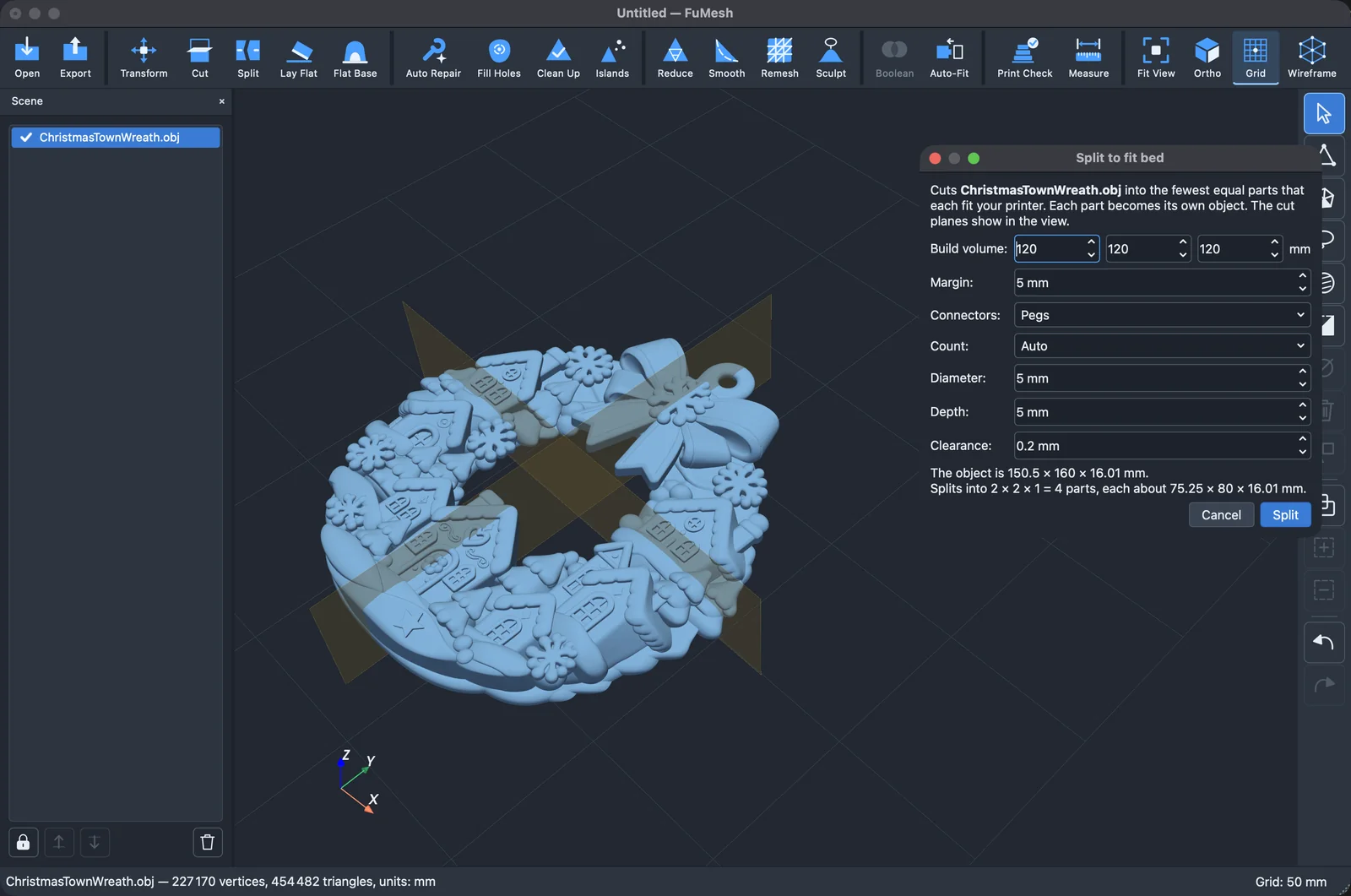
Split to fit bed could promise six parts and make four; now it counts the parts the model really reaches. With pegs, it refused the whole split of a hollow model. Now a cut face with no room for a peg just goes without one. The build volume you set there is also the one Print Check uses.
Auto-orient used to stand the Santa on his head; now it keeps a figure on its flat base. Peg holes that would break out through a slanted wall are refused, and Flat base on a large model no longer says there’s no hollow and then fills one.
Repair, Smooth, Reduce and Subdivide
Auto repair no longer deletes small details sunk into a model, like eyes and buttons, as loose parts. One stray vertex far away no longer makes Clean up weld the real surface, and 32 000 specks of scan noise take under a second instead of 23. Remove spikes leaves CAD corners and low-poly cones alone.
Smooth made my Škoda hook cross itself in 172 places; now it puts back any vertex that would turn a triangle over. Reduce keeps a closed model closed, also on a selection. Subdivide on a selection no longer leaves dimples. And on models over 300 000 triangles, the previews show what Apply will do.
Sculpting
With Clip view on, the brush used to land on the surface you had clipped away instead of the one you were looking at. Now it works on the inner walls the clip opens up, and its ring is clipped the same way.
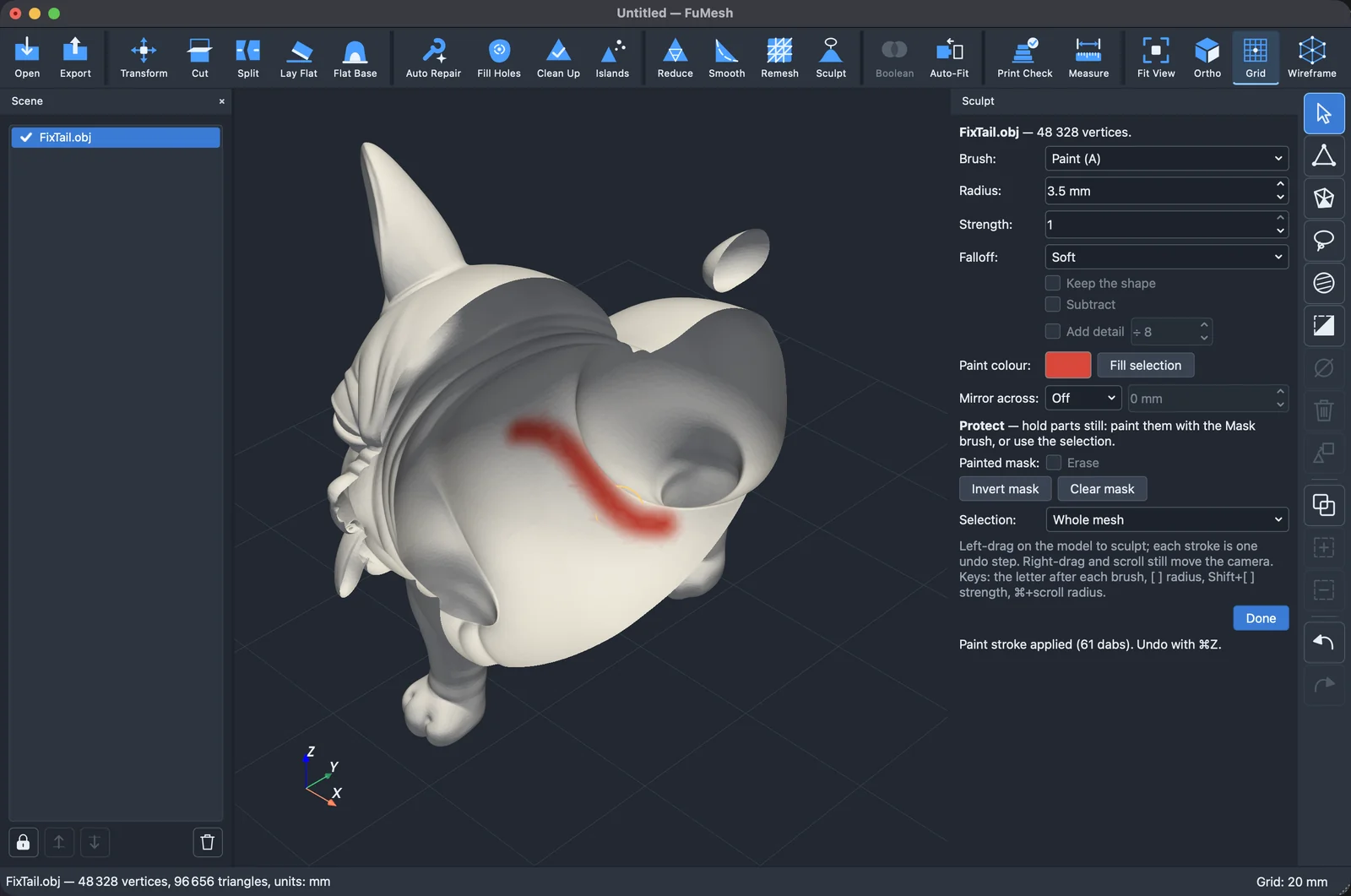
A quick Mask stroke no longer leaves gaps, and Add detail is much faster on big models.
Labels, text, SVG and relief
A label on a thin, curved wall no longer breaks through unnoticed: it stays inside the wall, or the panel warns you. Add text names the characters the font lacks instead of embossing boxes. Portrait photos no longer come out on their side in Image relief, and a very long SVG path takes a second instead of half a minute.
Files, the command line and the window
Files now open in millimetres. STL, OBJ, PLY and OFF files don’t say what unit they’re in, and FuMesh used to ask every time; now it assumes mm, which is what nearly every file for printing uses. You can still choose Ask each time in Preferences. A 3MF or glTF file in inches, centimetres or metres opens converted to mm at the same size, so every tool shows mm. That can be turned off too.
PLY files with colours stored as decimals no longer open black, and a crash while saving no longer leaves big hidden files behind. fumesh --help prints help instead of opening the window. The built-in self-test no longer fills Open recent with its own projects, and it cleans up after itself.
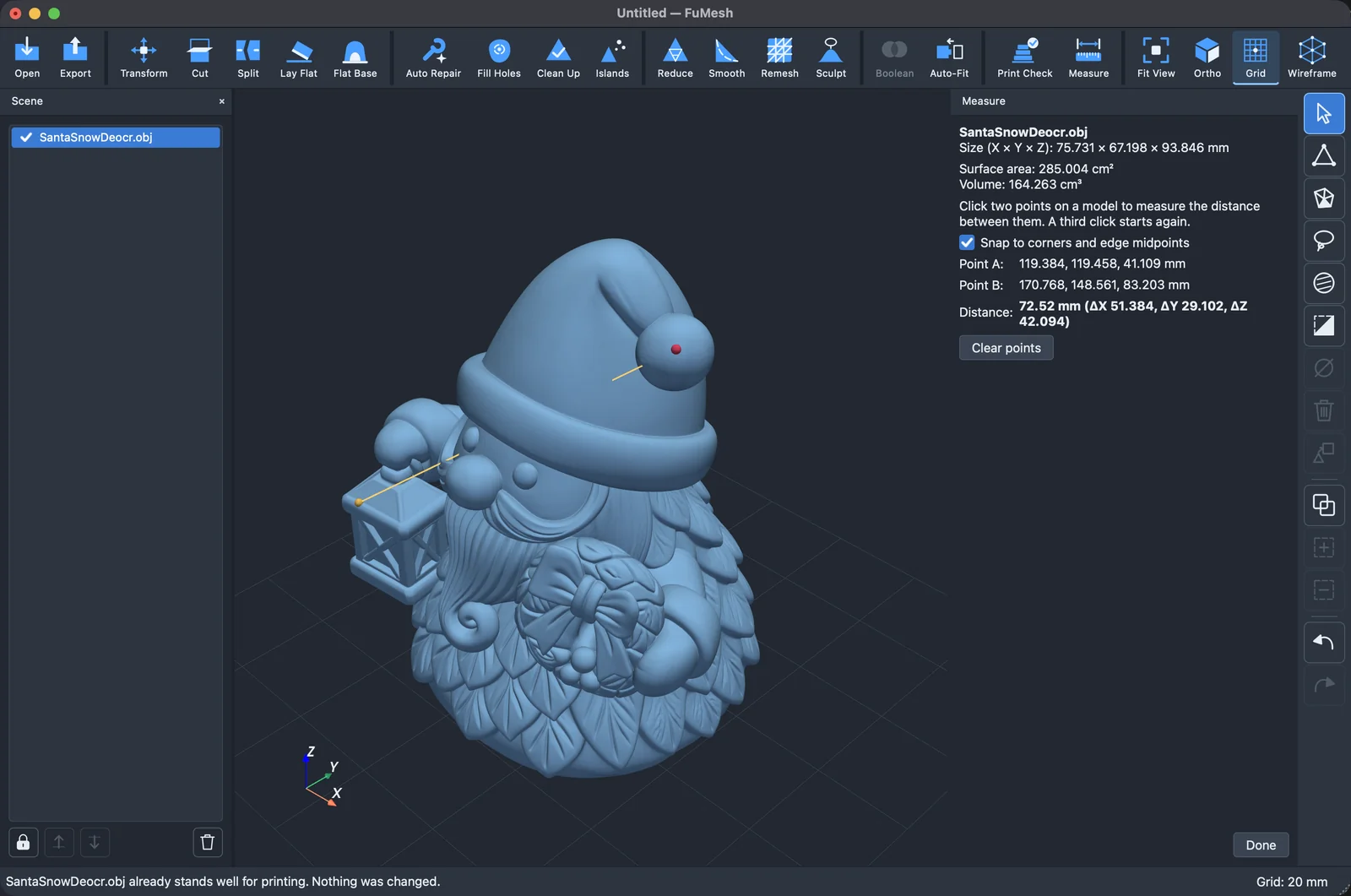
In the window, Delete after a lasso over two objects works on both, Undo selects the right objects again, and Restore selection brings back a selection a stray click replaced. Measure shows all its digits: 150.25 mm, not 150.2 mm.
A faster start
The loading screen waited up to a second for nothing, the font list was rebuilt after every update, and two big libraries loaded before they were needed. On my Mac the window is now up in 1.5 seconds instead of 2.5, and the first start after an update takes 1.5 seconds instead of 10. I haven’t measured Windows and Linux.
It works offline, needs no account and sends nothing anywhere. It’s free and open source under the GPL. No warranty, no support promise; if it’s useful to you too, good.
For the Mac, Windows and Linux. Get it here!