 FuRAR
Open RAR, 7z, ZIP and the rest, without the wait.
FuRAR opens and extracts RAR, 7z, ZIP, TAR, disc images and dozens of older formats, and makes ZIP and TAR archives. It shows a 100 000-file archive in a tenth of a second, extracts faster than the Mac's own tools, and is a 2 MB download.
If you like FuRAR, please consider supporting further development.
☕ Support me on Ko-fi
The archives people actually send you.
Double-click an archive and FuRAR shows what is inside, with folders, sorting and a filter. Extract all of it or only what you pick, drag files straight out to Finder, or look at one with Quick Look.
The everyday ones
RAR (versions 4 and 5), 7z, ZIP, TAR with gzip, bzip2, xz or zstd, and single compressed files. Password-protected archives too.
rar7zziptar.gztar.xztar.zstgzbz2xzzstLook inside before you mount
ISO with UDF, BIN/CUE, NRG and MDF images. Debian and RPM packages, CPIO and macOS installer packages, showing what they install.
isobin/cuenrgmdfdebrpmcpiopkgxarThe ones from the DOS days
CAB, LZH/LHA and ARJ, old ZIPs with DOS file names, Unix compress, LZ4, LZMA, lzip and Brotli, and archives split into .001, .002 … pieces.
cablzharjZlz4lzmalzbr.001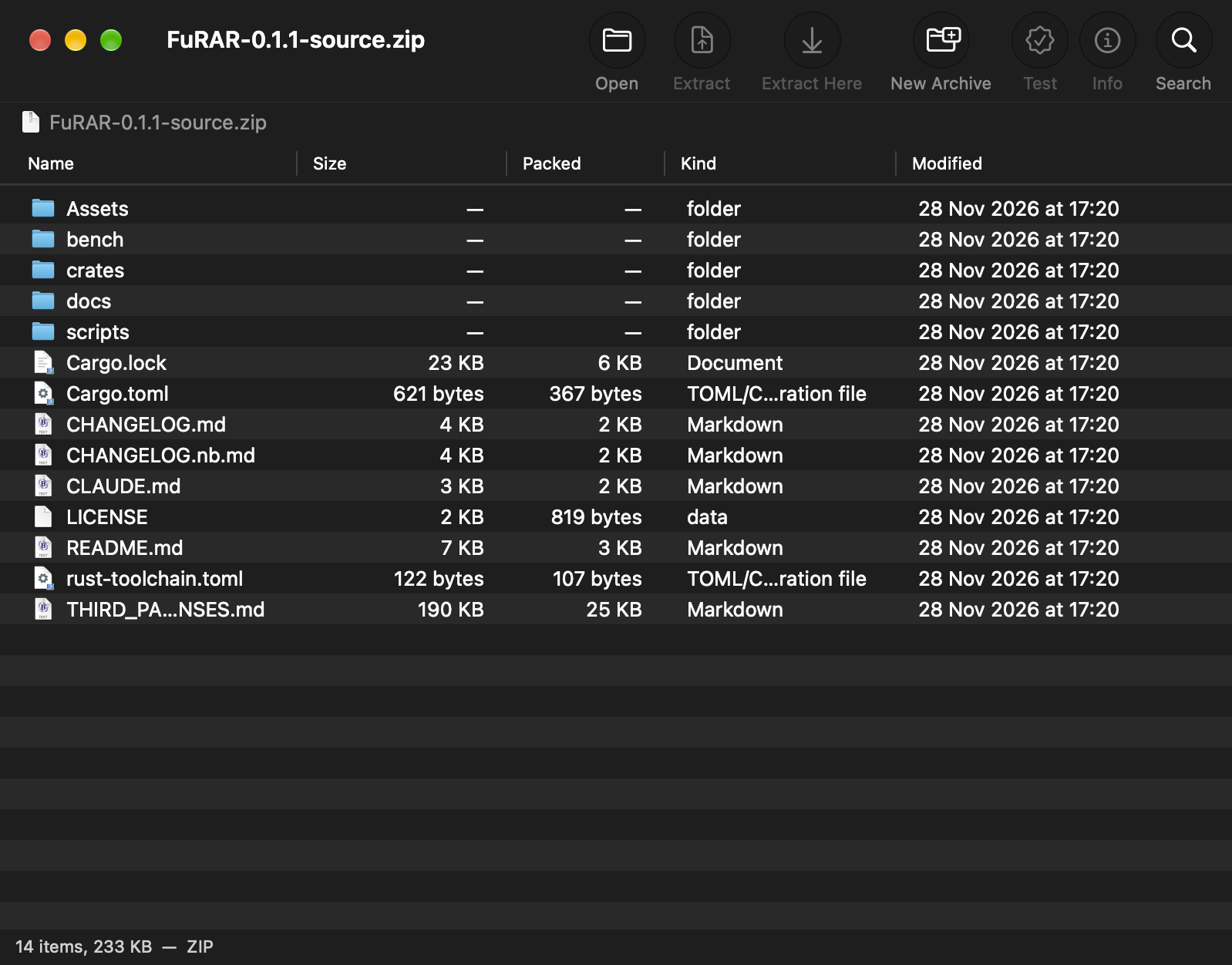
Small, quick to start, and quiet when it's done.
FuRAR is a native Mac app written in Rust. No web view, nothing running in the background, and it uses no processor at all while it waits.
unzip on that ZIP's 100 000 filesMeasured on a MacBook Pro with M5 Pro, release build, warm disk cache. The ZIP listing took 43–105 ms. Extracting its 100 000 small files took 3.2 s, against 7.9 s for unzip and 7.2 s for bsdtar. Large single archives (gzip, xz, zstd, 7z, ISO) extract about as fast as, or faster than, the tools made for them. An empty window uses about 33 MB of memory.
Right where you need it.
FuRAR works the way the Mac does, so you rarely have to open it on purpose.
- Double-click a RAR, 7z or other archive to open it in FuRAR.
- Right-click in Finder for Extract Here with FuRAR, Extract with FuRAR… and Compress with FuRAR….
- Several archives at once: extract them in one go, with one progress window and one summary at the end.
- Edit ZIP archives: add, delete and rename files without unpacking. Unchanged files are copied as they are.
- Test an archive without writing anything, and Info shows what it holds and how big the whole set is.
- Mac file attributes that Macs tuck into ZIP and TAR (
__MACOSX,._name) are put back where they belong, as Archive Utility does.
Nothing lands outside the folder you chose.
- Paths are checked. An archive can't write outside the destination, whatever names it holds.
- Nothing half-written. A changed or new archive replaces the old one only when it is complete.
- Ask before replacing. Existing files are kept, replaced or kept both, as you choose.
- Works offline. FuRAR never goes on the internet. The Ko-fi button just opens your browser.
Version 0.2.0
— downloads— visitorscounted once the page is on stigern.net
Disk image
macOS 14 Sonoma or later, Apple silicon. Signed and notarized by Apple.FuRAR-0.2.0.dmg1.9 MBSHA-256 checksums
4dbb499fed607e9fea34516f6ae87d0c3c0d53686b33e72f267a402687396418 FuRAR-0.2.0.dmge212d8d0f60433eaababe773017b9094182ad9cabdd9305f07265aad99e6ae04 FuRAR-0.2.0.zipOpen the disk image and drag FuRAR to Applications. Then double-click an archive, or right-click one in Finder and choose Open With ▸ FuRAR.
brew tap stigern/tap
brew trust --cask stigern/tap/furar
brew install --cask stigern/tap/furar
The brew trust line is for Homebrew 7 and later, which asks before it loads a cask from someone else's tap. brew uninstall --zap furar also removes the settings.
Free. What changed is in the changelog below. If you like it, you can support me on Ko-fi.
☕ Support me on Ko-fiApple silicon only. FuRAR is built for M1 and later Macs, on macOS 14 Sonoma or later. Intel Macs aren't supported.
It opens RAR, but can't make RAR. RAR extraction uses Alexander Roshal's unRAR source code, whose licence forbids making RAR archives. FuRAR makes ZIP and TAR (gzip, bzip2, xz, zstd).
Only ZIP archives can be edited. Others open and extract; to change them, extract, change and compress again.
Not WinRAR. FuRAR is an independent app, not made by or connected to RARLAB or WinRAR.
Seventeen languages. The app follows your Mac's language, or the one you choose in Settings.
Made with Claude. FuRAR was written together with Anthropic's Claude, with a test suite for every format and a review of the whole code before release. I tested it on my own Mac.
What changed in each version.
Version 0.2.0
2026-11-28
New
- FuRAR comes in seventeen languages. German, Spanish, French, Italian, Portuguese (Brazil), Dutch, Swedish, Danish, Finnish, Polish, Russian, Japanese, Korean, Simplified Chinese and Traditional Chinese join English and Norwegian Bokmål. The app follows the language of macOS, and Settings has a Language menu for choosing another one.
- A volume size can be typed with French or Russian units (250 Mo, 1,5 ГБ).
Faster
- bzip2 is decoded on every core.
.bz2, TAR.BZ2 and CPIO in bzip2 extract five to eight times faster on a 15-core Mac (a 4 GB TAR.BZ2 in 10 seconds instead of 82), and such an archive opens about four times faster. - A big file is compressed to ZIP on every core: an 875 MB file takes 0.7 seconds instead of 6.5.
Version 0.1.1
2026-11-28
Improved
- Closing the last window quits FuRAR, instead of leaving it running in the Dock. It waits while an extraction is still running or another window, such as Settings, is open.
- The Help menu has About FuRAR too.
Version 0.1.0
2026-11-28
First version
- Opens and extracts RAR (v4 and v5), ZIP, 7z, the TAR family, single gzip, bzip2, xz and zstd files, ISO with UDF, BIN/CUE, NRG and MDF images.
- Opens CPIO,
ar, Debian and RPM packages, XAR and macOS installer packages, CAB, LZH/LHA and ARJ, Unix compress, LZ4, LZMA, lzip and Brotli. - Opens volume sets: 7z volumes, split ZIP, and any archive cut into
.001,.002… pieces. - Creates ZIP (optionally with a password) and the TAR family, optionally split into pieces.
- Edits ZIP archives: add, delete and rename.
- Extract Here, Extract…, drag and drop out of the window, Quick Look, Test and Info.
- Finder services, and extracting several archives in one go.
- Mac file attributes in ZIP and TAR put back on extraction.
- English and Norwegian Bokmål.