FuCode 0.3.11 is out. Most of what is new came in 0.3.10, a big update: tasks that start on their own, a map of the project, roles for the team and a place to discover skills. 0.3.11 fixes a crash on the Git page right after. All the screenshots are from the real app on my own machines, with FuCode’s own code as the project and only local models.
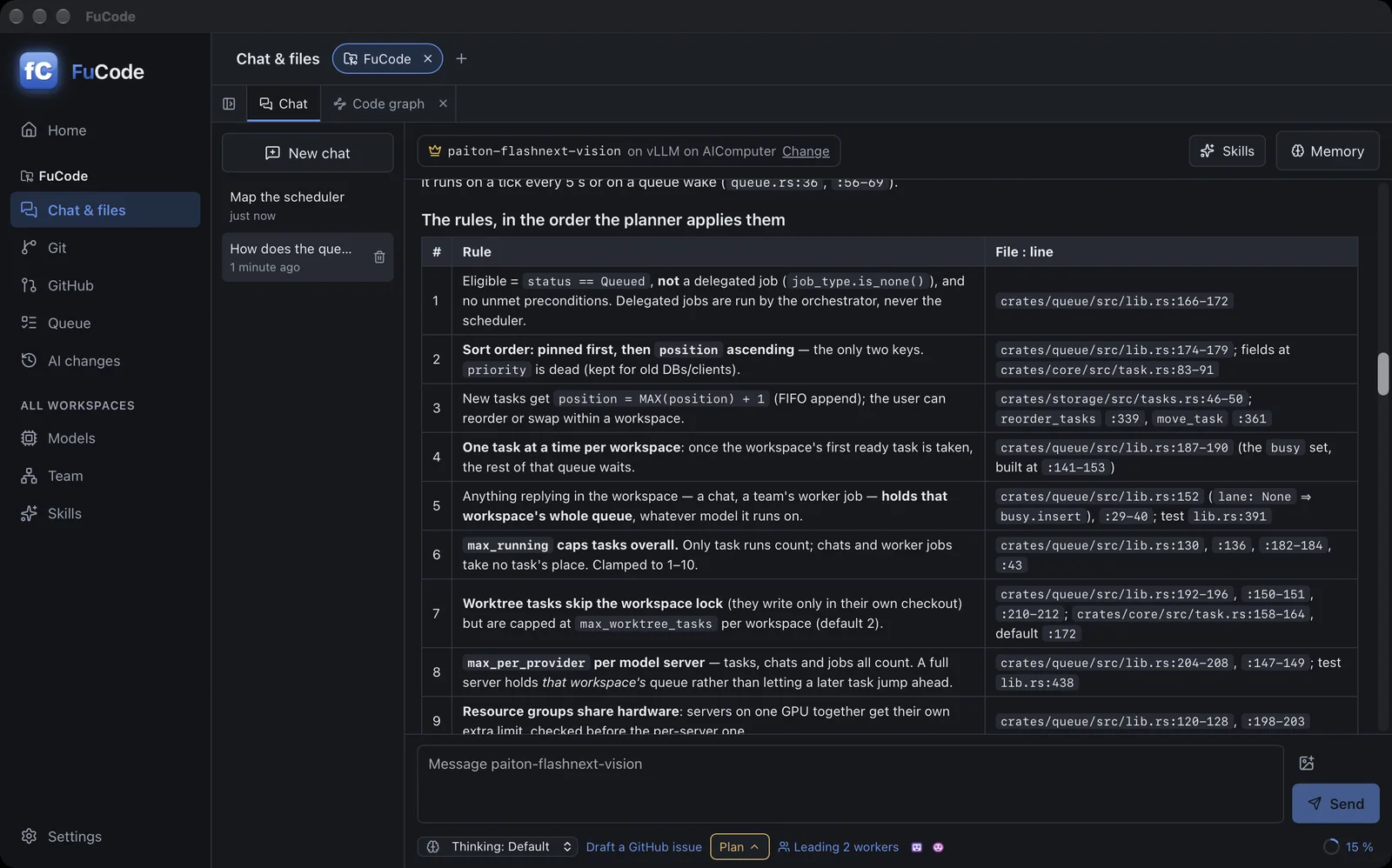
Tasks that start on their own
A schedule puts a task in the queue at a set time or every so many minutes, a file trigger does it when files I name change, and a webhook lets another service such as GitHub do it. Workflows chain tasks: each step waits for the ones before it and runs when they passed, or when one failed. There are templates for a bug hunt, a code review and a refactor.
A task can keep going until a check passes, such as npm test, and it can run in a Git worktree of its own so my checkout is never touched. On the GitHub page I can tick a few issues and have them worked on in parallel, each on its own branch. There is also a local REST API, and FuCode can run headless, also on a Linux server with no display.
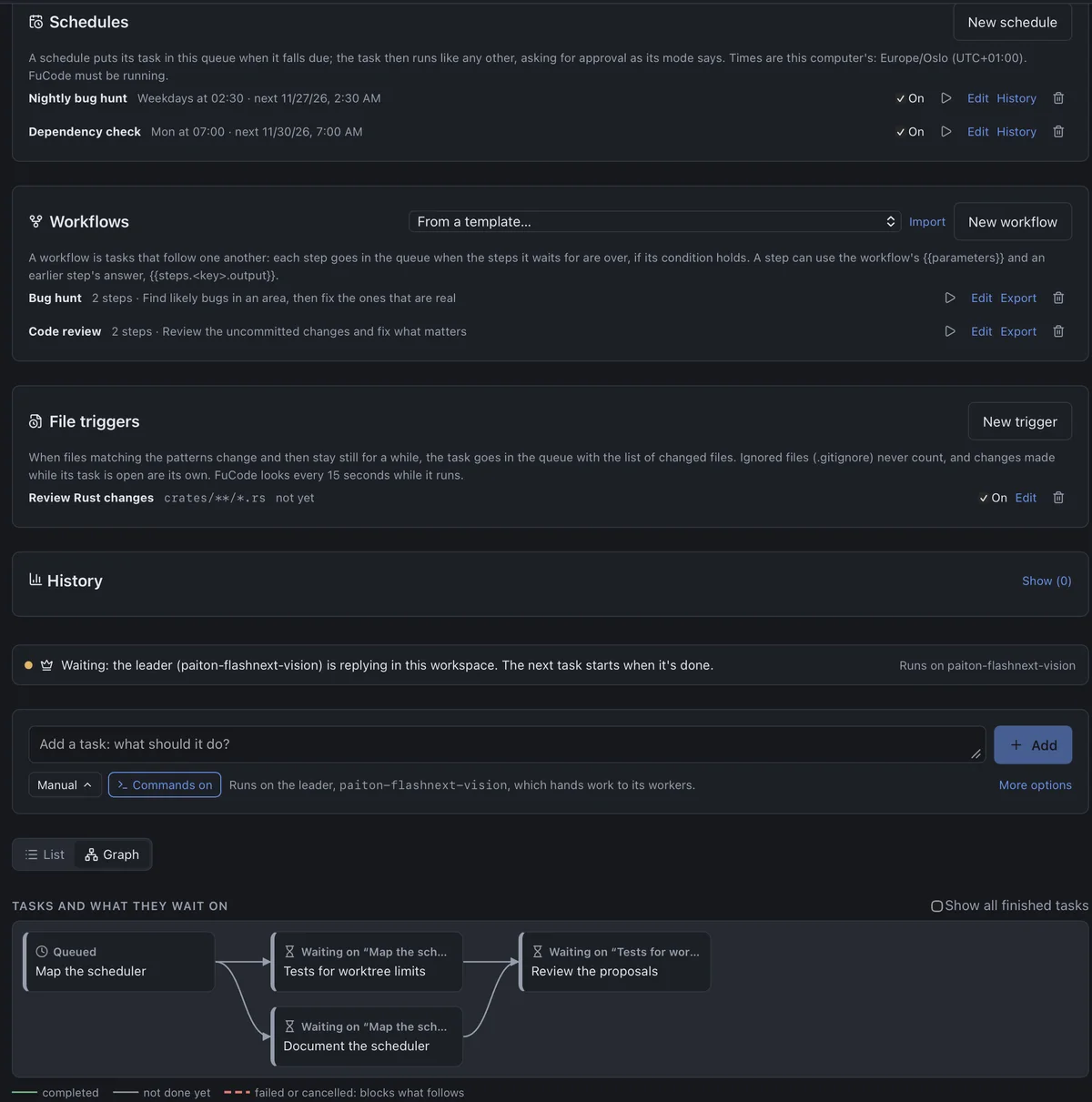
It learns the project
Each workspace gets an index of its code, kept on my computer: a map of functions and types that the model reads instead of whole files, code search, and a graph of which files use which. With an embedding model from one of my own servers it also searches by meaning. Project memory keeps decisions and conventions from one chat to the next, and the context inspector shows exactly what the model is sent, with pins for what must survive when a long chat is summarised.
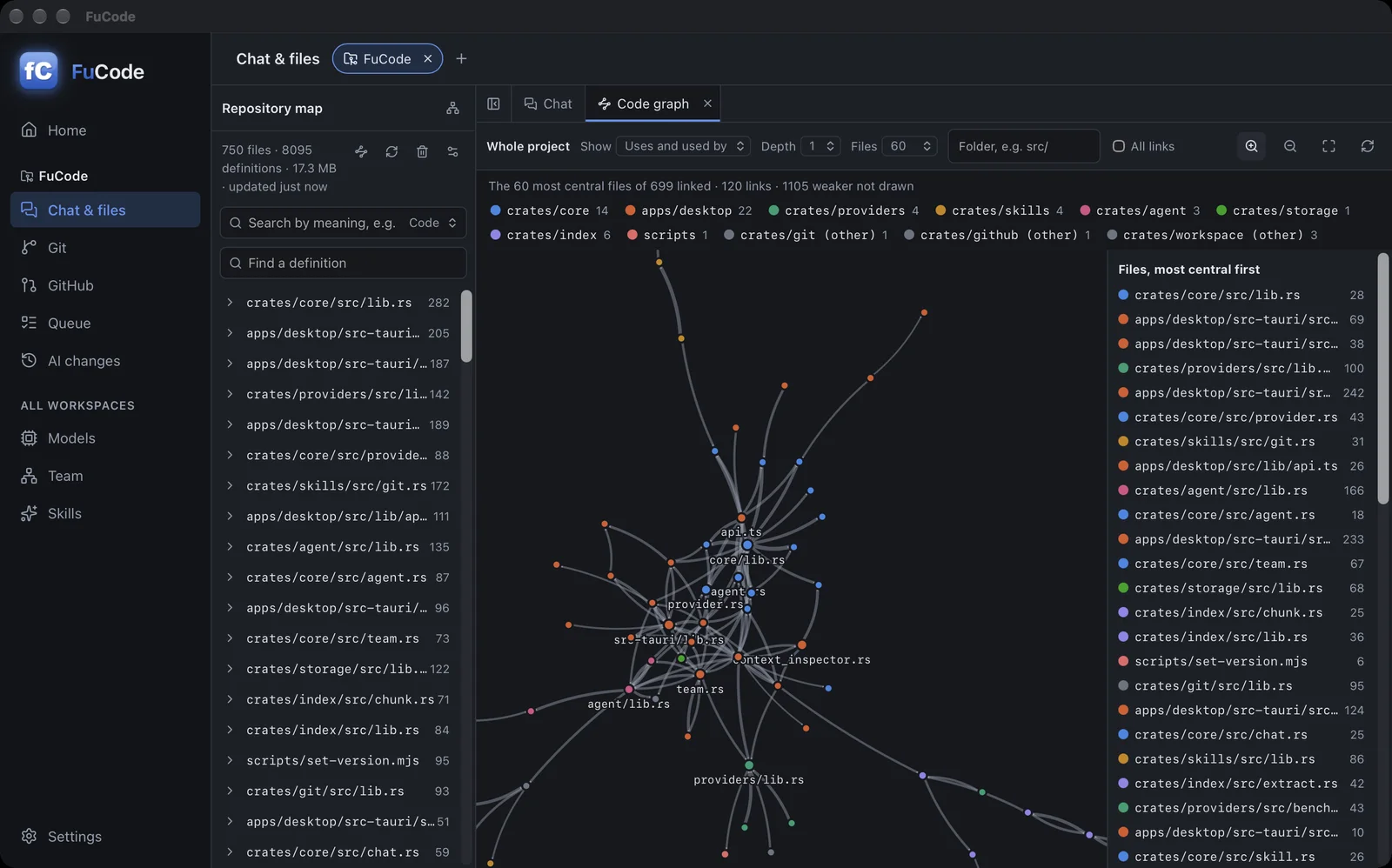
A team with roles
The leader still hands the small jobs to my other models, but each of them can now have a role: Developer, Tester, Reviewer, Architect and more, or one I make myself. The role decides which jobs a worker takes. In the chat above the tester wasn’t allowed to write files in Plan mode, so the leader wrote the test itself and sent it to the reviewer. A team can be saved as a preset, each project can have its own team, and the leader can give one job to several workers and keep the best answer.
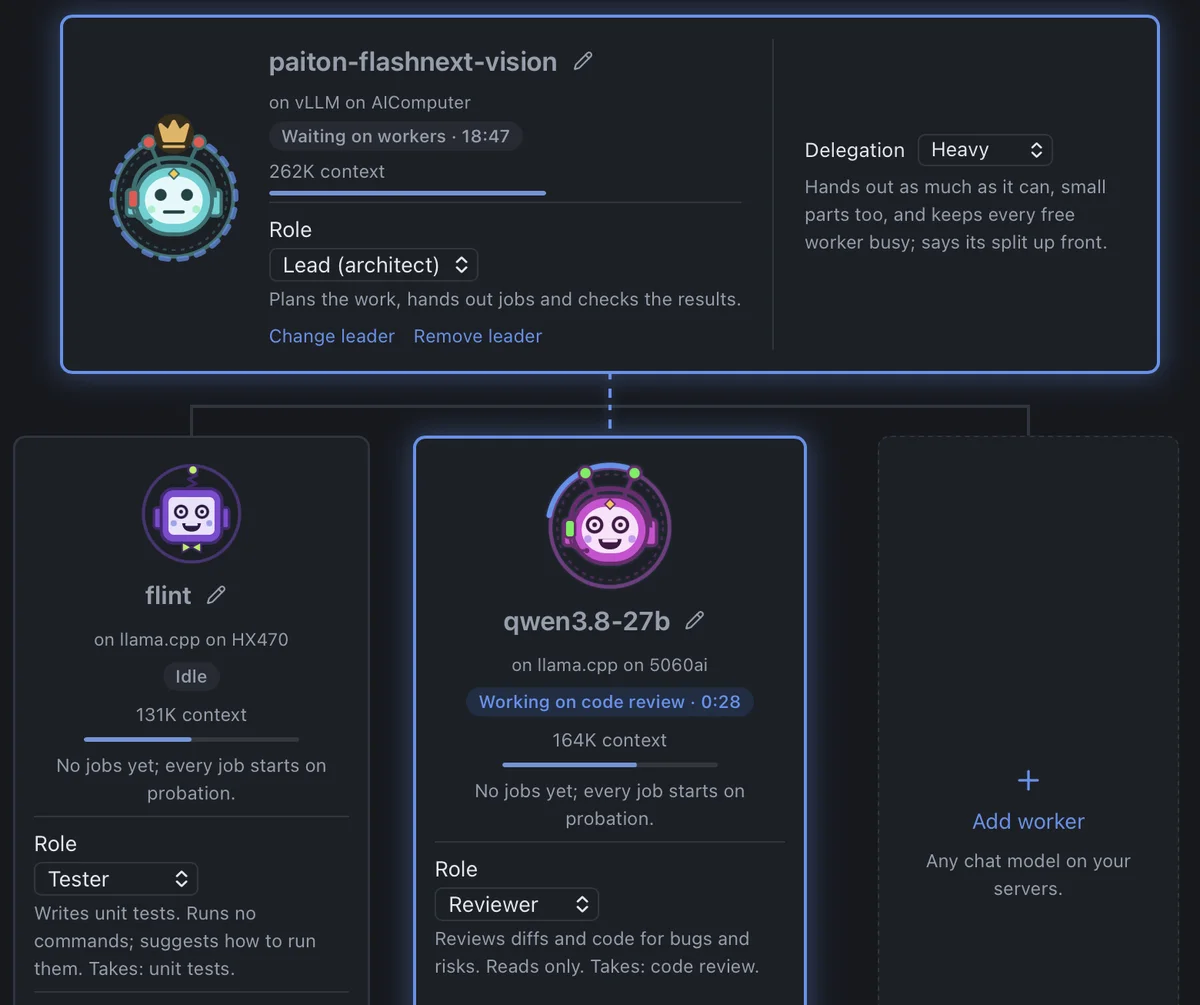
Knowing my models
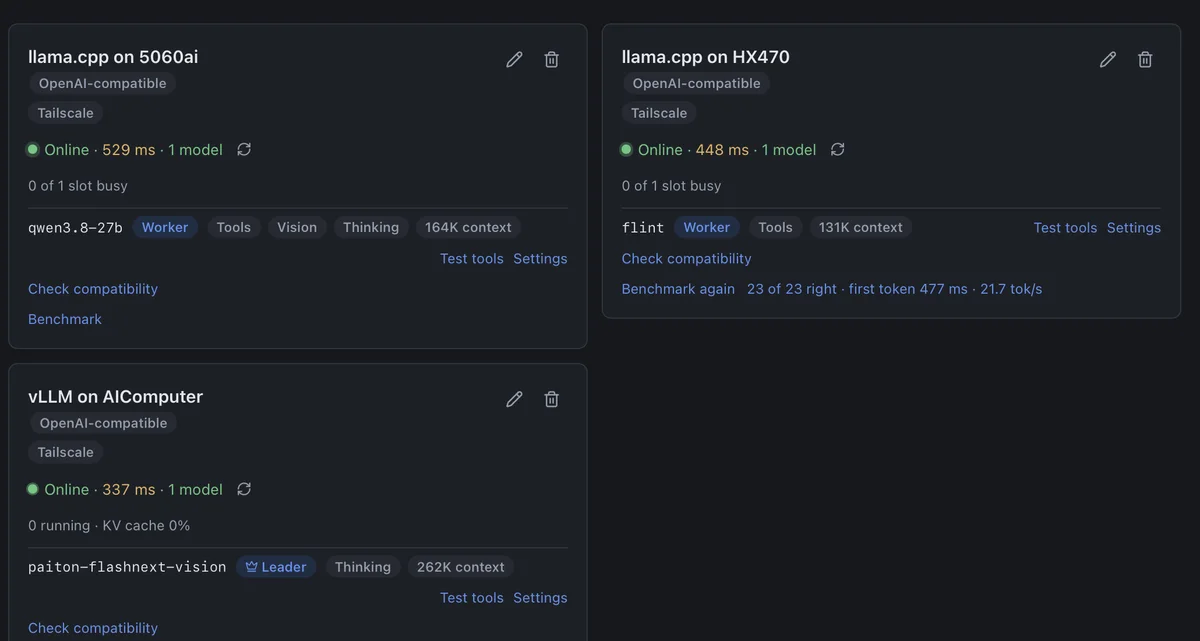
Each model can have its own settings, such as temperature and context window, and up to three fallbacks for when its server is down. A benchmark of 23 short tasks shows what it gets right and how fast it writes, and with Auto ticked each message goes to the model that suits it. The Models page shows each server’s load, and vision models can be sent images.
Skills to discover
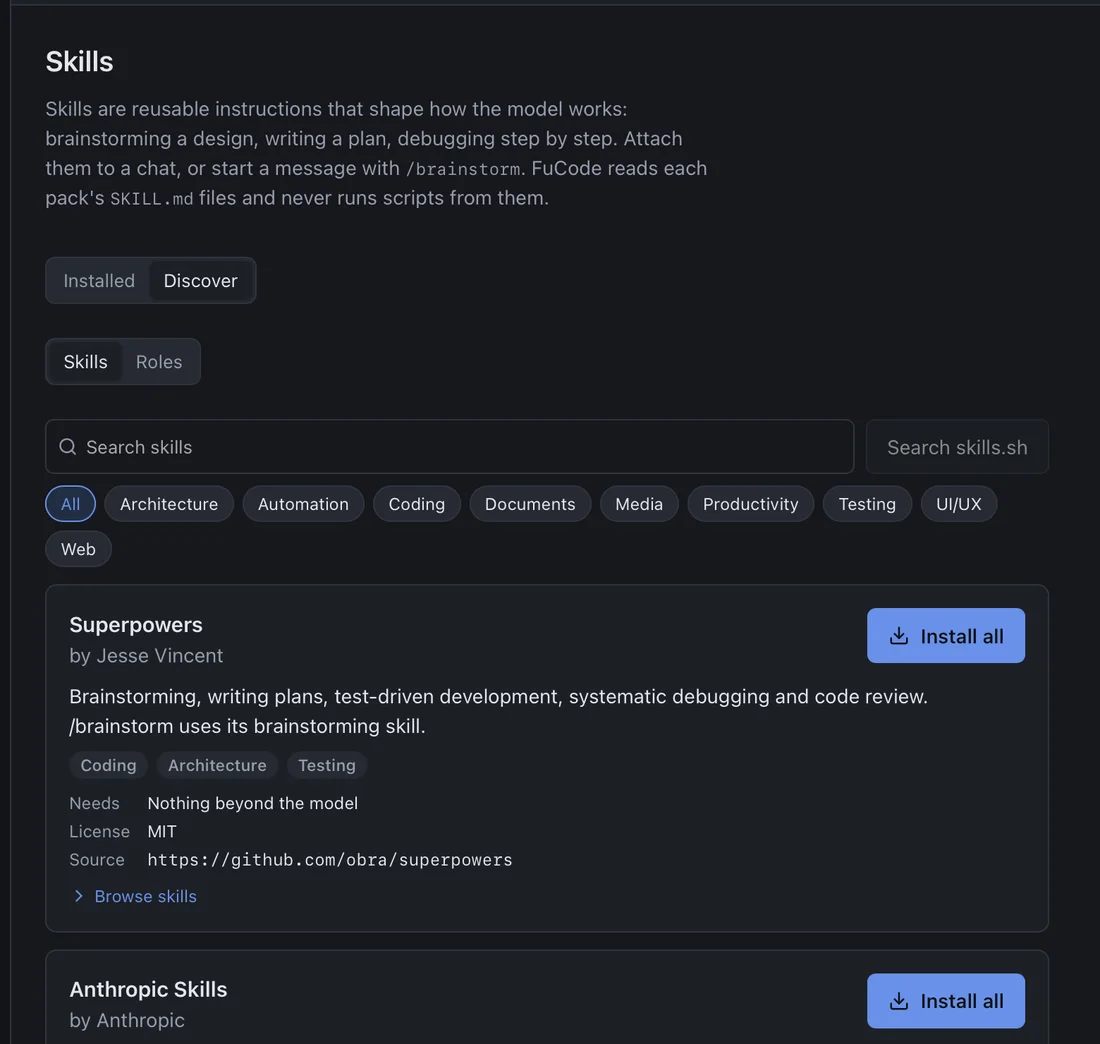
The Skills page has a Discover tab with suggested packs such as Superpowers and Anthropic’s own skills. Before installing I can preview each skill and see what it needs. Updates show what changed, and a skill I have edited keeps my edits.
And more
- Undo the AI’s file changes, from the chat or the new AI changes page.
- Resolve merge conflicts on the Git page, with a model’s help if I like.
- Run the AI’s commands in a Docker or Podman container.
- Back up chats, queue and settings to one file, and restore them.
- GitHub Actions runs on the GitHub page, and issues drafted from a chat.
For the Mac, Windows and Linux. Get it here!