
FuRAR is a new archive manager for the Mac. It opens RAR, 7z, ZIP, TAR, ISO and a long list of other formats, lets you look inside and pull out what you need, and packs files into ZIP or TAR. It does what people use WinRAR for on Windows, and speed came first: the download is 1.9 MB, the window is up in about a fifth of a second, and it uses no CPU at all while it sits there. The app is free, for Apple silicon Macs on macOS 14 or later.
Update: version 0.2.0 is out. It adds fifteen languages and makes bzip2 archives and big ZIP files much faster. The numbers below are for 0.2.0.
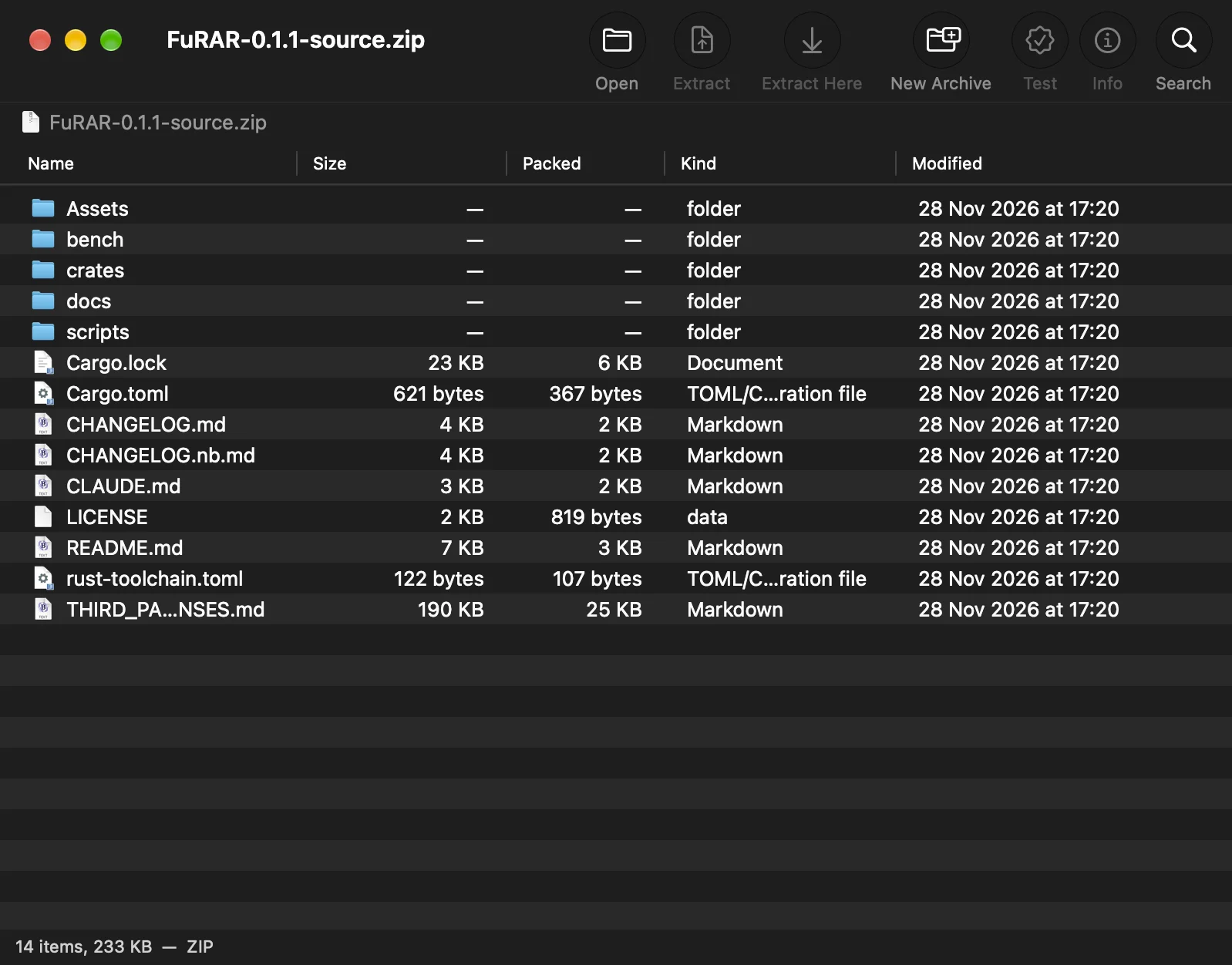
FuRAR opens almost anything
The usual ones are there: RAR (v4 and v5), ZIP, 7z, TAR with gzip, bzip2, xz or zstd, and single GZ, BZ2, XZ and ZST files. Disc images too: ISO with UDF (also Blu-ray and newer Windows images), BIN/CUE, Nero NRG and Alcohol MDF/MDS. Then the odd ones that turn up now and then: CAB, LZH and ARJ from the DOS days, Unix compress, LZ4, lzip and Brotli, CPIO, ar, and Linux packages (.deb and .rpm).
Split archives open from any piece: RAR volumes, .7z.001, split ZIP (.z01) and any of the formats above cut into .001, .002 and so on. FuRAR reads the pieces where they are and never joins them into one big file first.
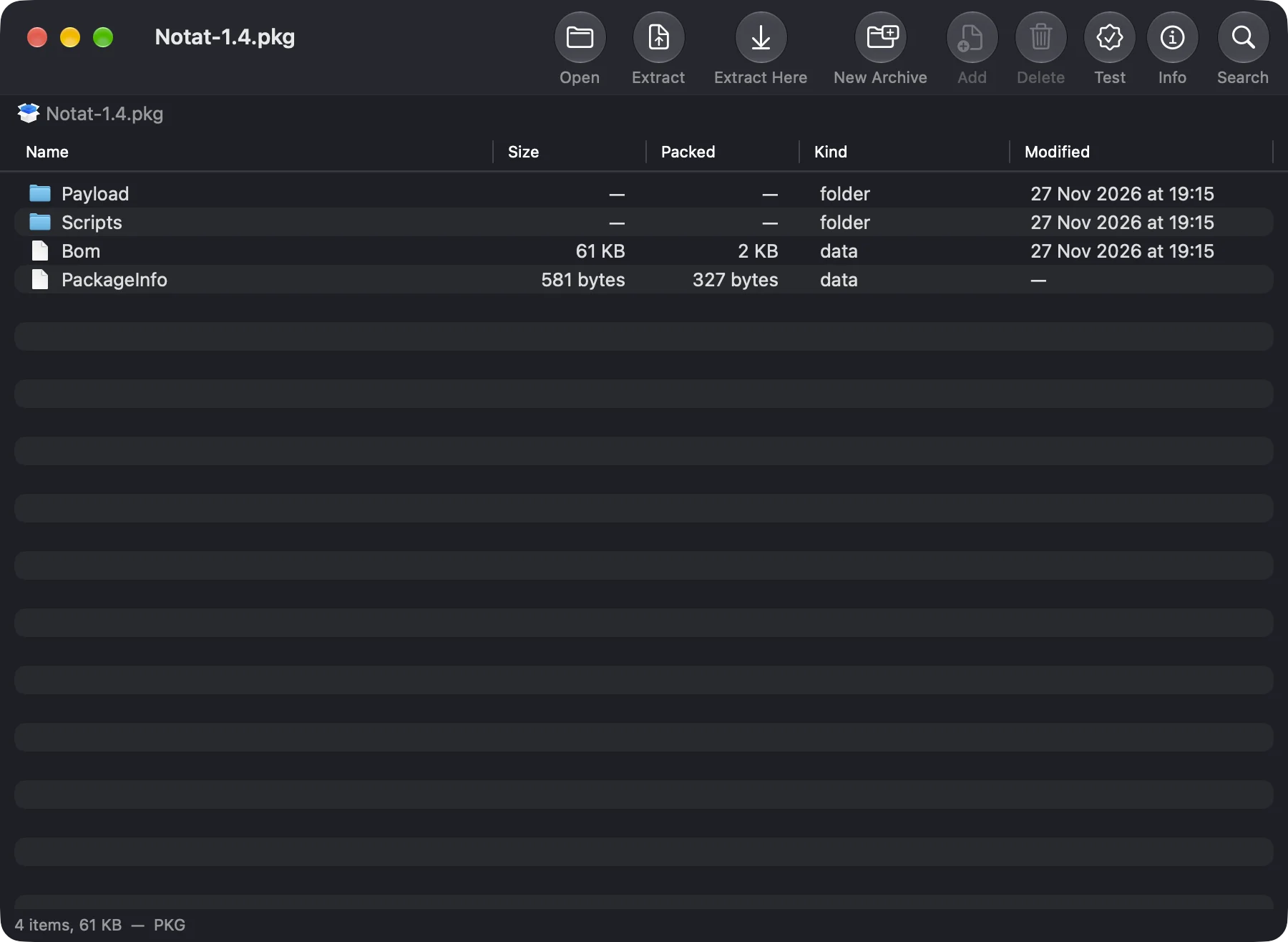
Mac installer packages (.pkg) open as well, so I can see what an installer will put on my Mac, and its scripts, before I run it.
Fast, and light
Speed was the main goal from the first day. Under the hood it is Rust and the Mac’s own AppKit, with no web view inside. Some numbers from my M5 Pro:
- FuRAR lists a ZIP with 100 000 files in a tenth of a second or less.
- Extracting those 100 000 files takes about 3 seconds, two and a half times faster than
unzip. - A 4 GB ZIP of large files is out in under a second, where
unzipneeds 17. - A 4 GB TAR.BZ2 is out in 10 seconds. bzip2 is now decoded on every core; on one core it took 82.
- Packing a big file into a ZIP uses every core too: an 875 MB file takes 0.7 seconds, down from 6.5.
- The app itself is 4 MB, and an empty window uses about 33 MB of memory.
FuRAR reads an archive as it goes and never loads the whole thing into memory, and the window stays responsive while it works.
From Finder
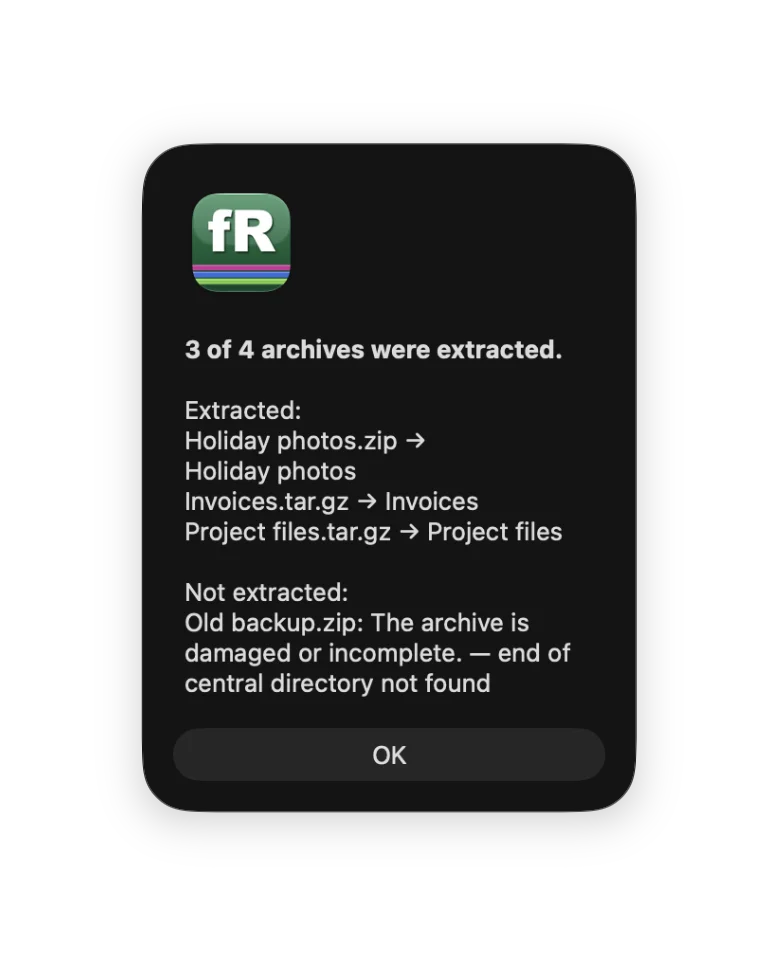
Double-click a RAR file and FuRAR opens it; for ZIP, 7z and the rest it is under Open With. Right-click files in Finder for Extract Here with FuRAR, Extract with FuRAR… and Compress with FuRAR…. Select several archives and FuRAR extracts them one after the other, with one progress window and one summary at the end that says which worked and why one didn’t.
Making archives with FuRAR
FuRAR makes ZIP, with a password if you like, and TAR with gzip, bzip2, xz or zstd. You can split a new archive into pieces of a set size, to fit a FAT32 USB stick or an upload limit. You can also edit a ZIP: add files by dropping them on the window, delete or rename. FuRAR writes a new archive and swaps it in only when it is complete, so a failed edit never leaves the old one half-changed.
It opens RAR but can’t make RAR. RAR extraction uses the unRAR source code from RARLAB, and its licence forbids making RAR archives.
And more
- Quick Look and drag and drop out of the window.
- Test an archive without extracting anything.
- ZIPs made on a Mac get their Finder info and extended attributes back, as with Archive Utility.
- Seventeen languages. FuRAR follows your Mac’s language, or the one you choose in Settings.
- Signed and notarized by Apple, with no account and no analytics.
It is also on Homebrew, and the commands for that are on the download page. Get it here!