FuMesh is the mesh editor I made for fixing 3D models and getting them ready to print. Version 0.9.7 is out for Mac, Windows and Linux, still as early access. It has one change, but a big one: FuMesh now speaks seven languages.
Besides English, every menu, panel, message and tooltip is now in Deutsch, Español, Français, 日本語, Русский and 简体中文. FuMesh follows your system’s language. To choose another one, go to Preferences → Language and press Restart now. Qt’s own buttons and file dialogs follow along.
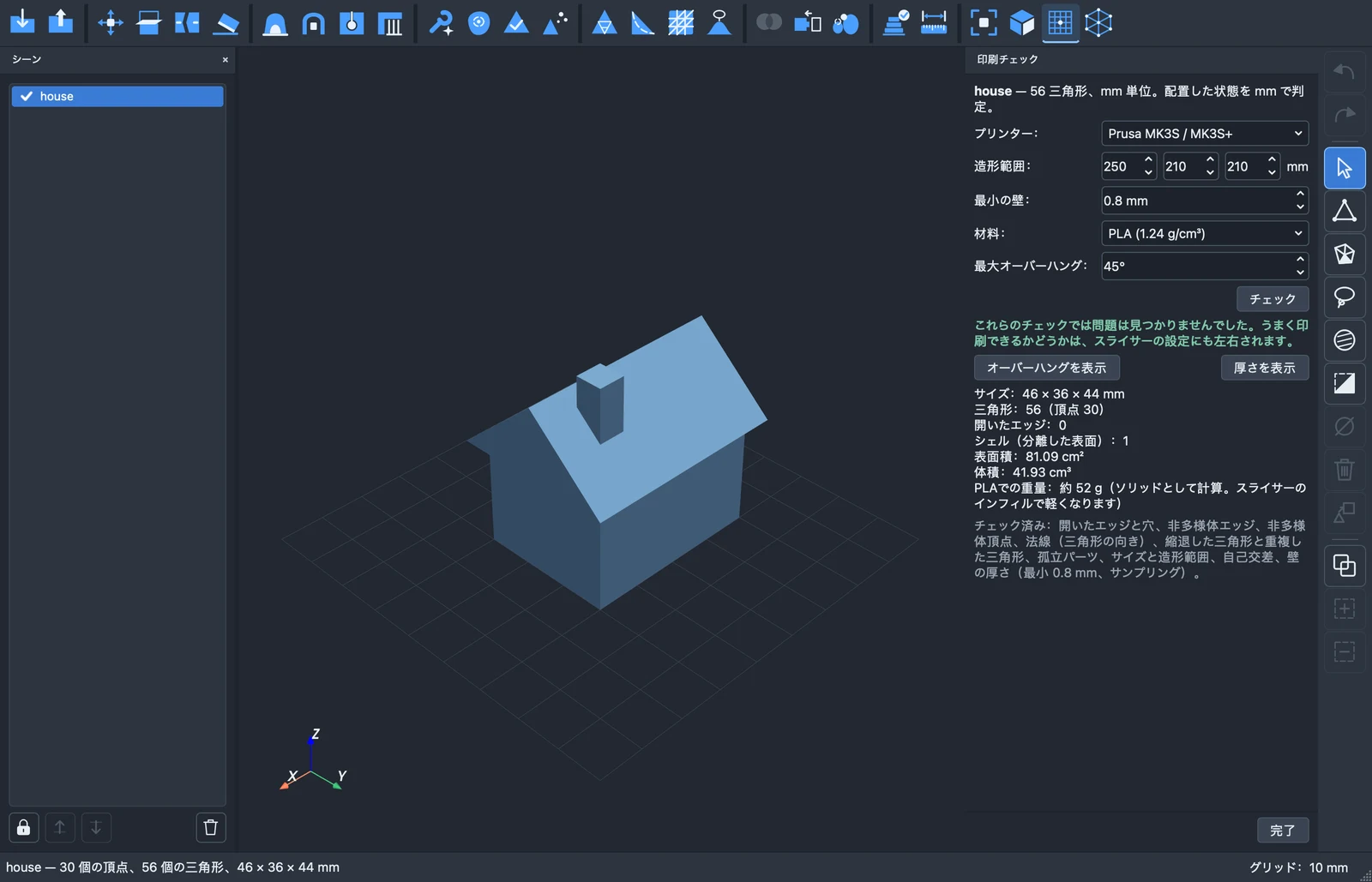
The translations are machine-made and not yet reviewed by native speakers, and Preferences says so. They follow the words the big slicers use in each language, but 3D printing terms are where a translation is most likely to slip. If you use FuMesh in one of these languages and something reads wrong, corrections are welcome.
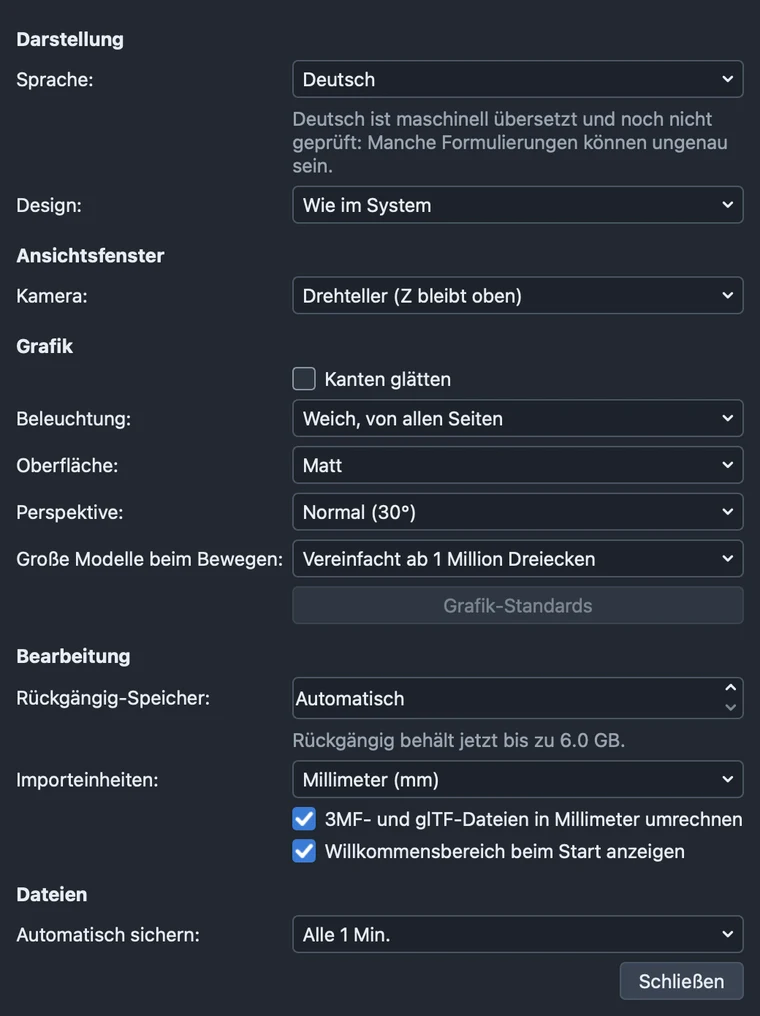
Tool panels are a little wider in German, French, Russian and Spanish, so the longer words fit. Japanese and Chinese are drawn with the system’s own fonts for each script. The user guide stays in English for now.
It works offline, needs no account and sends nothing anywhere. It’s free and open source under the GPL. No warranty, no support promise; if it’s useful to you too, good.
For the Mac, Windows and Linux. Get it here!