FuMesh is the mesh editor I made for fixing 3D models and getting them ready to print. Version 0.8.1 is out for Mac, Windows and Linux, still as early access. It has a new way to remesh, and it fixes 83 bugs and slow spots found in two more bug hunts.
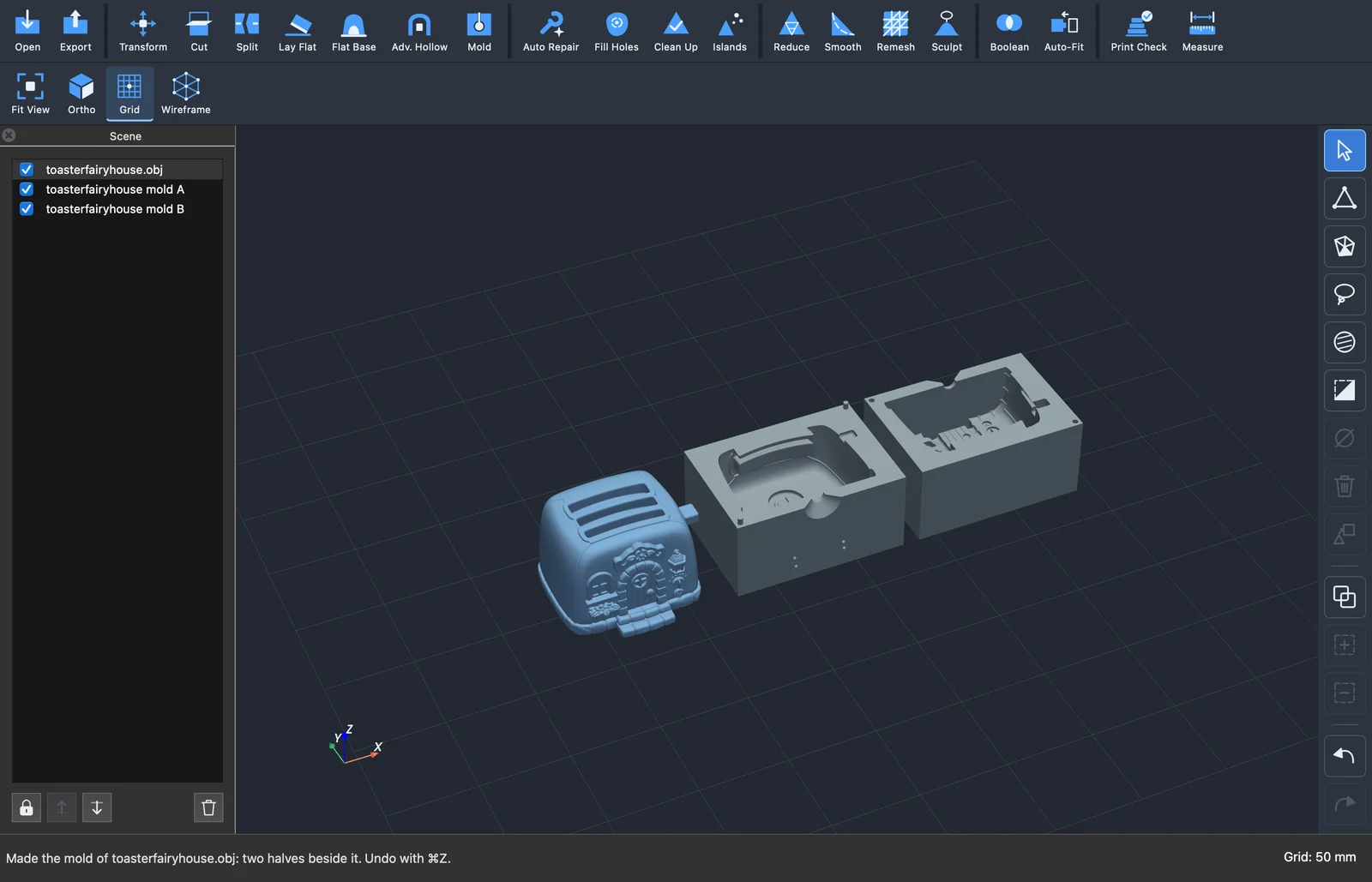
Version 0.8.0 came out the day before and got no post of its own. It brought Make mold, which turns a model into a two-part mold to pour, with an inlet, air vents and pins that line the halves up. The top bar also wraps to more rows on a narrow window, so no button hides any more.
This time the bug hunts used heavy models: eight detailed figurines of 400 000 to 500 000 triangles each. The fifth hunt went through Advanced hollow and Make mold, and the sixth through every other tool, timing each one too. Every finding had to come with a script that shows it. That gave 83 reports, and all 83 are fixed, each with a test so it stays fixed.
Early access. It works on my models and prints, but expect rough edges. Keep a copy of your original files. The Mac version needs macOS 26 or newer.
A new Remesh
Remesh rebuilds a model with even triangles of the size you ask for. On the detailed figurines it often failed: after several minutes, sometimes 24, it said the result would have folded triangles. When it did work, it could give three times the triangles it promised.
Patching it didn’t help, so whole-model Remesh now works another way. It changes the model’s own surface a little at a time: it splits edges that are too long, joins those that are too short, turns edges so each point gets about six neighbours, and slides the points along the surface to even them out. Every step is checked before it’s kept, so holes, handles and narrow gaps stay as they were.
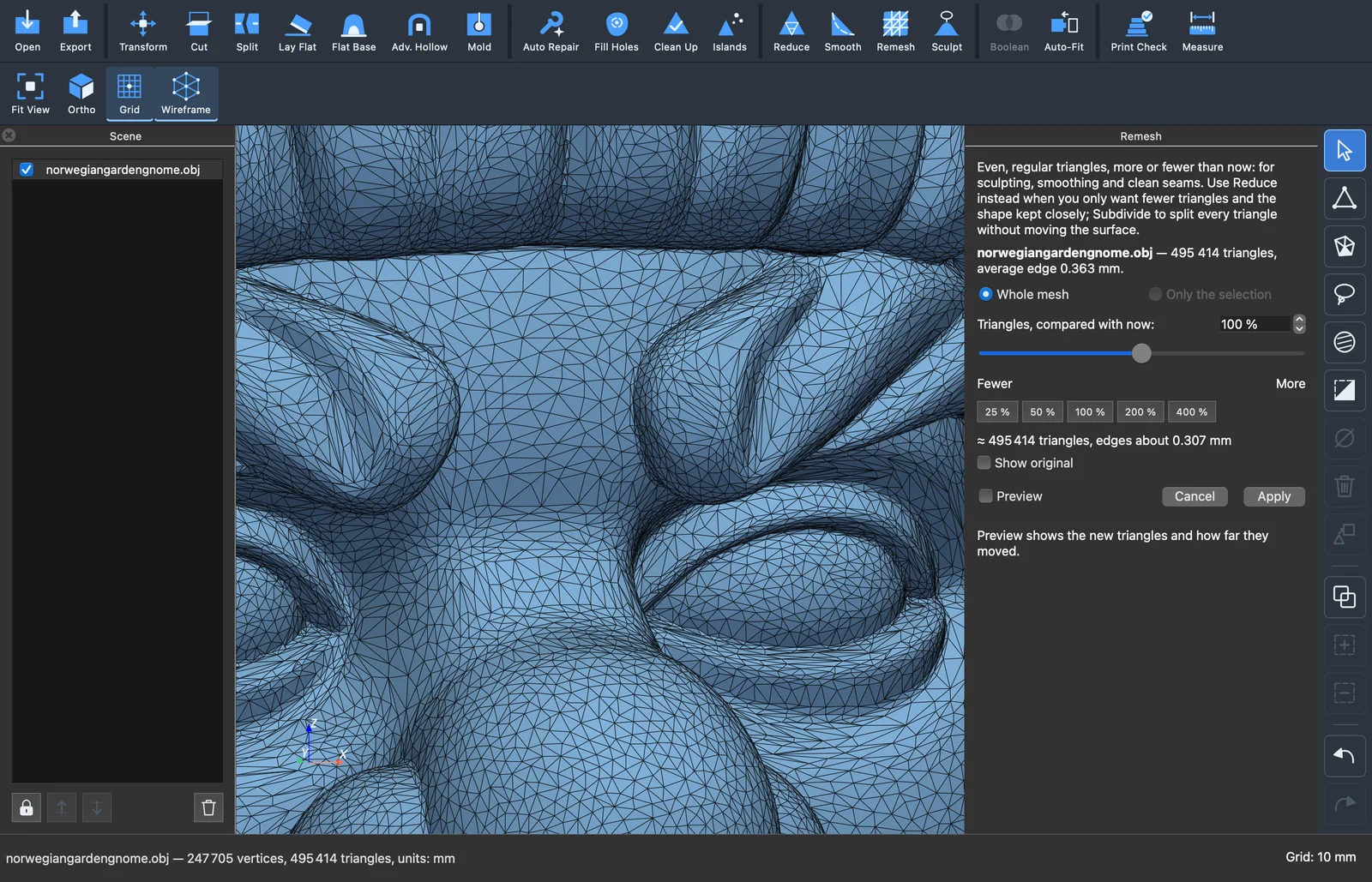
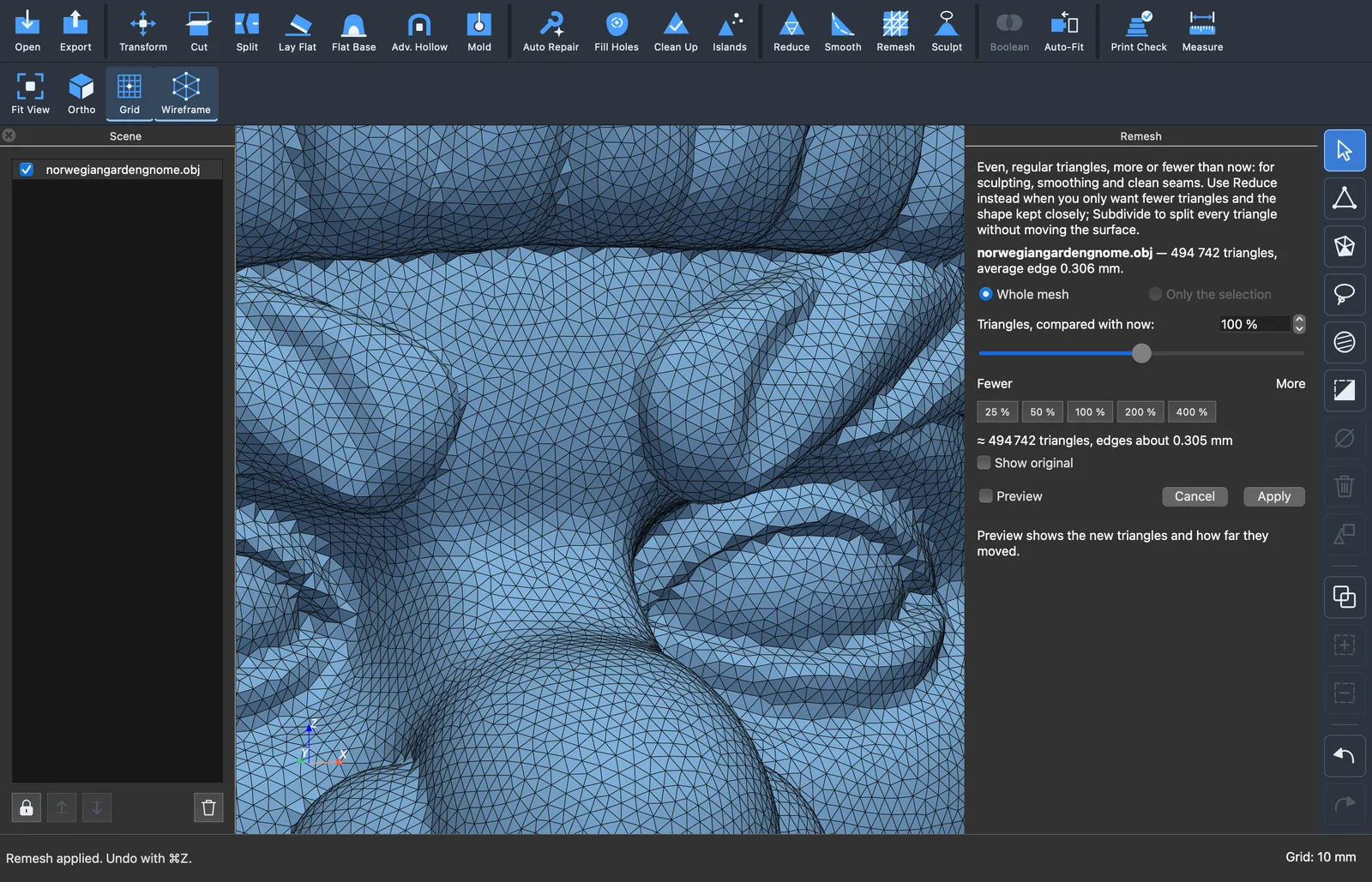
All eight figurines now remesh at the default size in 36 to 60 seconds, each within 2.5 % of the promised number of triangles. Many models have a few spots where the surface folds back on itself, like spikes or crumpled bits. Remesh keeps those folds as they were and says so in its report, and Remove spikes can smooth them first.
Repair
Fix self-intersections searched the whole model four times and could use over 4 GB of memory to fix a handful of crossing triangles. Now it searches once, and after each repair it only rechecks the triangles near the change. That makes it about a third faster on the figurines, and the memory after the first search is a third of what it was.
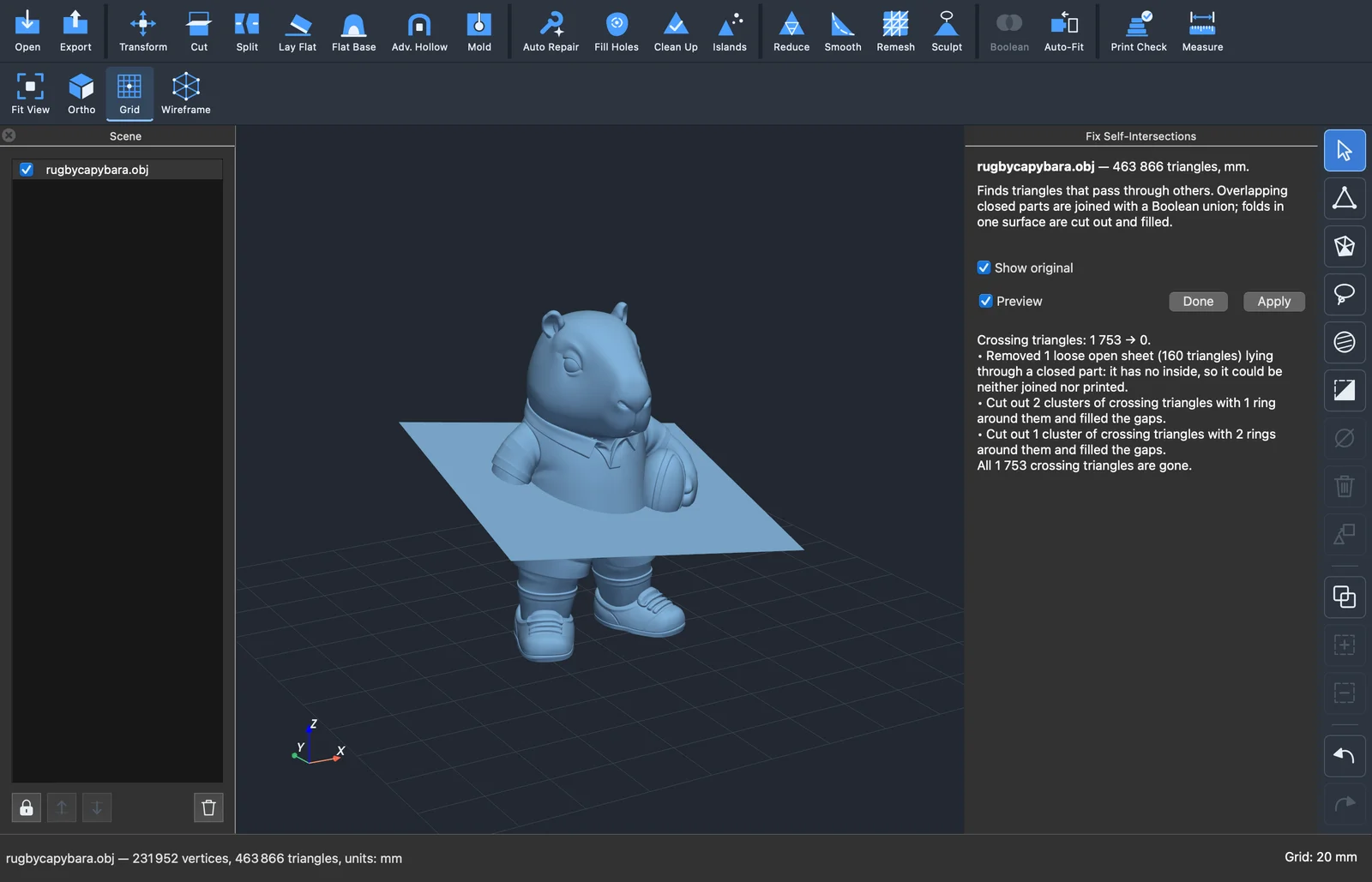
A loose sheet lying through a model, the kind a bad export leaves behind, used to cost it one to four minutes, and most of the crossings were still there afterwards. Now it removes the sheet first, since a sheet has no inside and can’t be printed anyway. Most of the models I tried were left with no crossings, in a few seconds.
Auto repair keeps the voids inside an open model, and counts the holes in a triangle soup in seconds instead of a minute. Clean up refuses a merge distance that would weld the model’s own triangles together.
Hollow, Flat base and Make solid
Hollow uses up to 60 % less memory and is much faster with a thick wall. When you change only the drain holes, it recuts the holes and doesn’t hollow the model again. Flat base no longer puts its plane far up a model because of a small dent. Its option to fill a hollow shell solid now also manages holes drilled through the wall with ragged edges. Make solid says when nothing is enclosed instead of handing back crumbs, and no longer makes the model half a voxel too big.
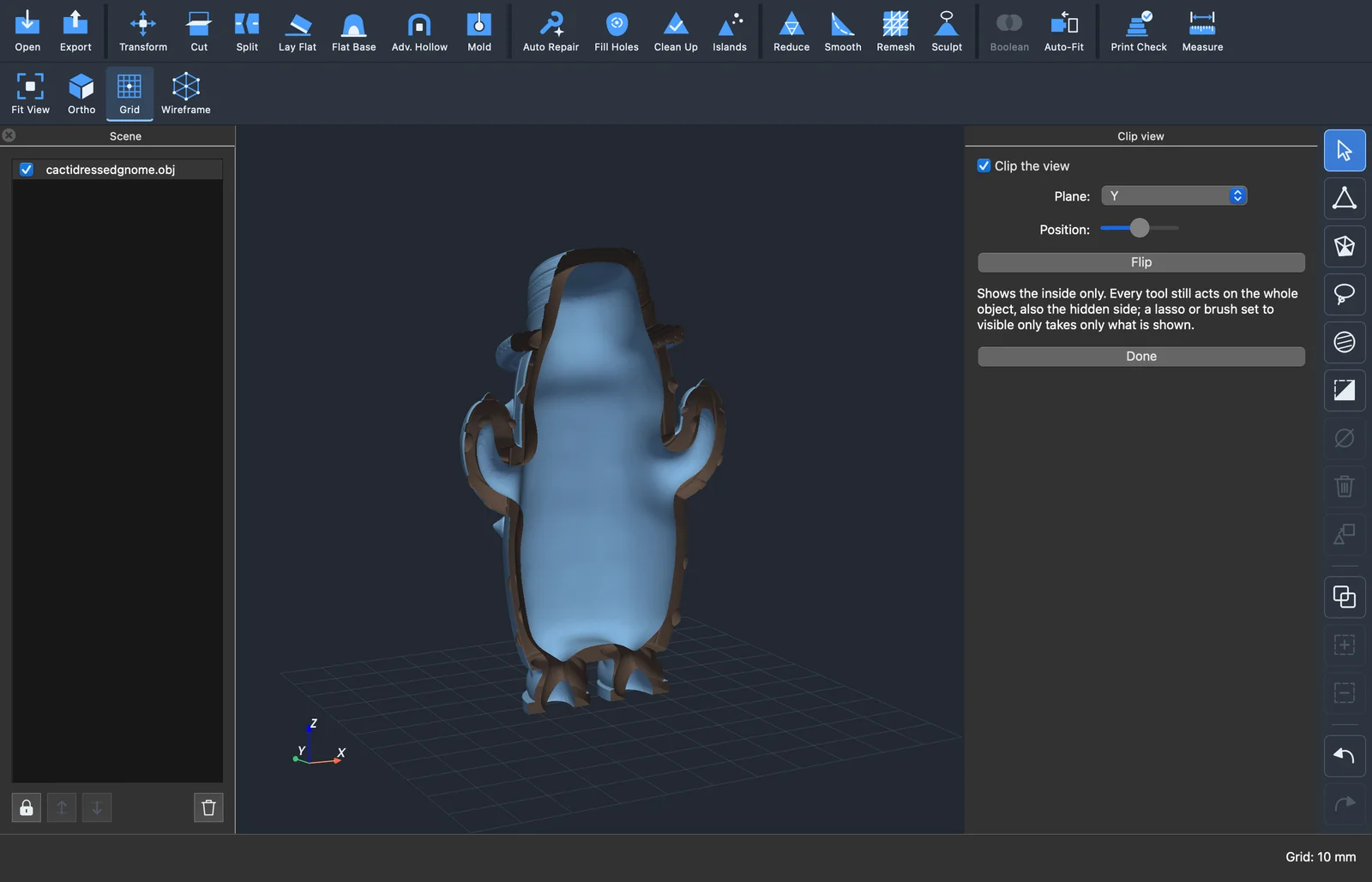
Advanced hollow and Make mold got 14 fixes of their own after the fifth hunt tried them on all eight figurines.
Combining, checking and saving
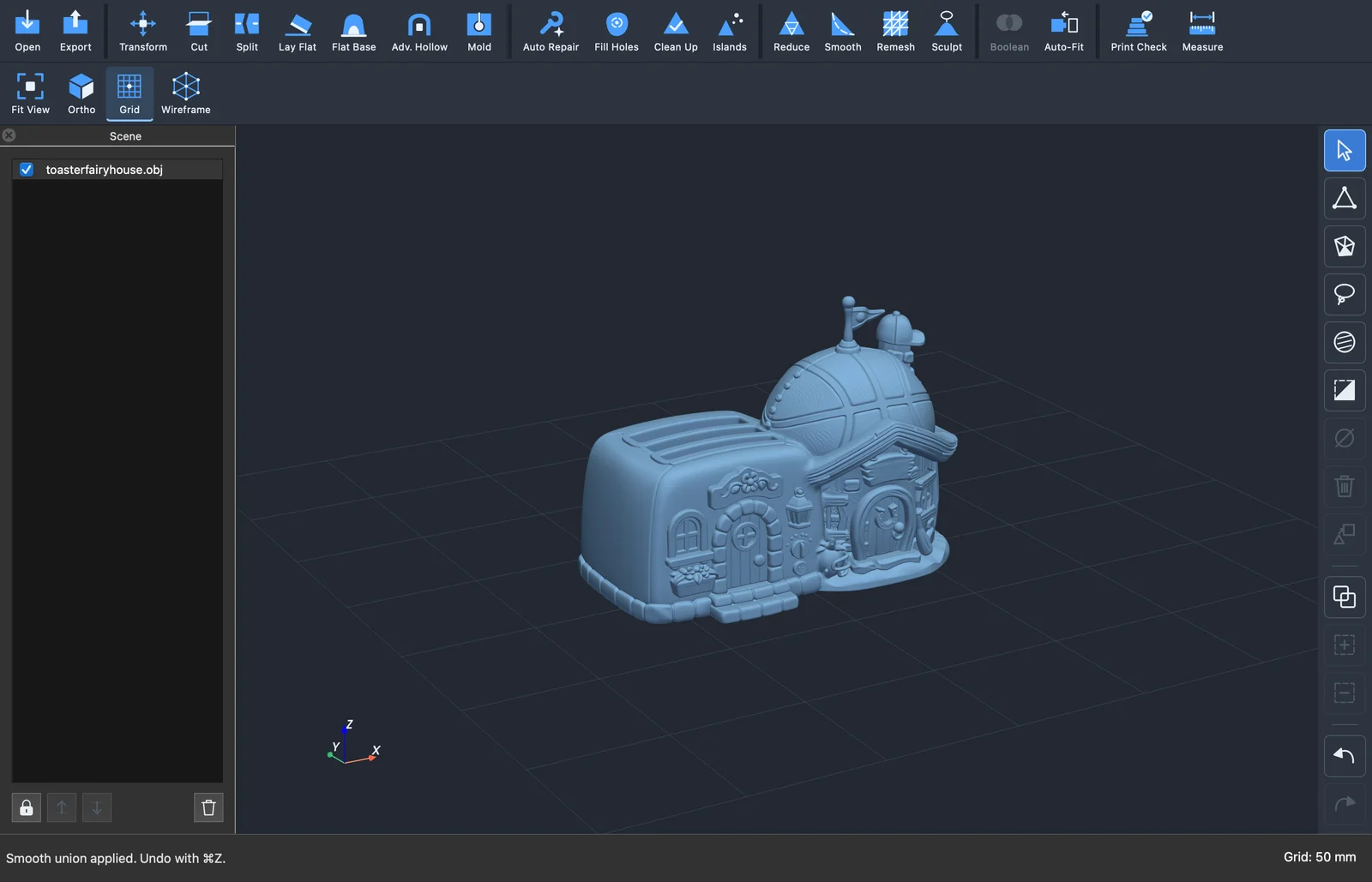
Booleans of two detailed models are several times faster. Smooth blend and Adaptive join now work on them too; before, they refused every pair I tried. Adaptive keeps sharp edges near the seam as they are, but it’s slow on such models, about a minute, so Smooth blend is still the one to start with.
Cut connectors only go where there is a wall round them. Print check is two to three times faster and uses less memory. Compare measures on all cores, so comparing two half-million-triangle models takes under two seconds instead of about five. Saving after a small change is ten times faster, and 3MF files write twice as fast.
The window
With a tool panel open, Undo now takes back only what you did in that panel. Before, it could undo the step before the panel too. Hide and Duplicate no longer act on a model behind an open preview. Hollow, Make solid and Flat base open without a long wait, and the view no longer draws each frame twice while you turn it.
It works offline, needs no account and sends nothing anywhere. It’s free and open source under the GPL. No warranty, no support promise; if it’s useful to you too, good.
For the Mac, Windows and Linux. Get it here!