
Less than three weeks ago I wrote about FuMachine, the little remote desktop I made for the computers around the house when NoMachine’s free version went behind a subscription. A lot has happened since then: eleven new versions, an app for the Mac, and a way to reach my computers when I’m not at home.
FuMachine for Mac
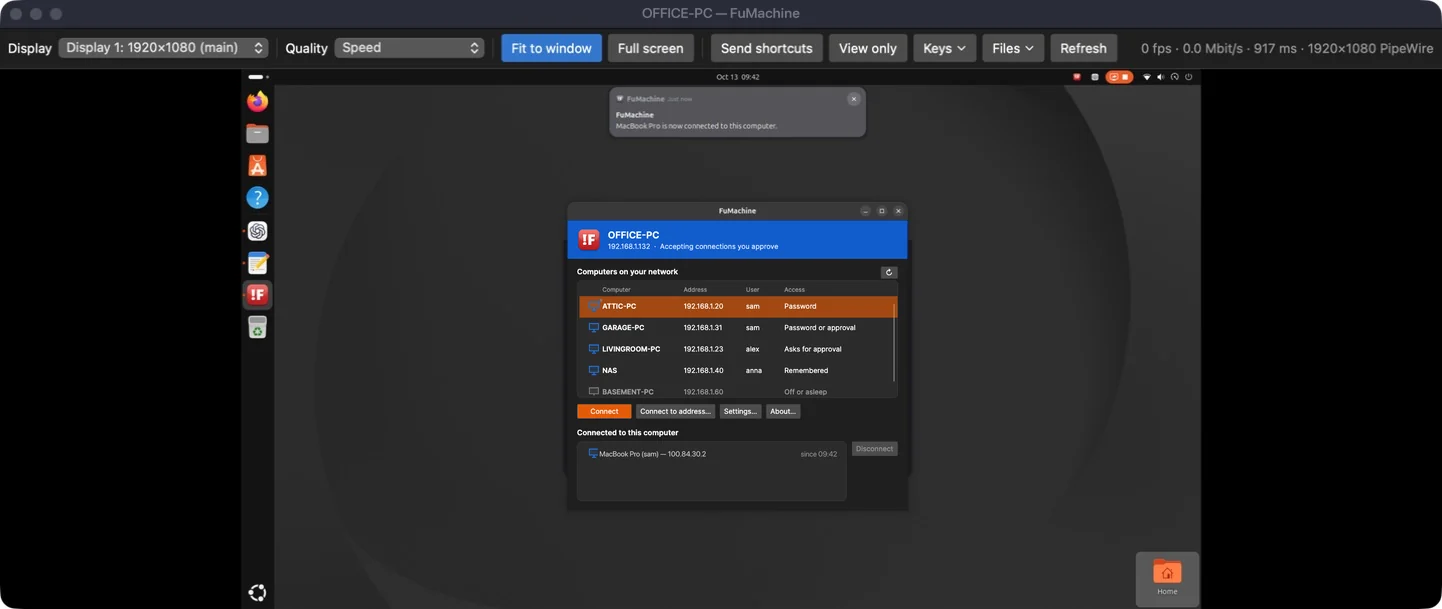
There is now a native Mac app. It views and controls your Windows and Linux computers, runs on macOS 14 or later on both Apple silicon and Intel, and is signed and notarized by Apple, so macOS opens it like any other app: open FuMachine-mac.dmg and drag FuMachine to Applications.
It has the same computer list as on Windows and Linux, signs in with a password or by approval, and the viewer has what the others have: displays, quality, full screen, Send shortcuts, View only, sending and getting files, a picture of the screen and shared copied text. ⌘ works as Ctrl on the other computer, so ⌘C and ⌘V do what you expect. The Mac only views other computers; it can’t be viewed itself.
Your computers from anywhere, with Tailscale
In the first post FuMachine only worked on the local network. Now, if you use Tailscale, the computers on your tailnet show up in the list by themselves, right next to the ones at home. FuMachine still has no servers or accounts of its own: it asks Tailscale which devices are there, and the connection goes through your own tailnet, encrypted as before.
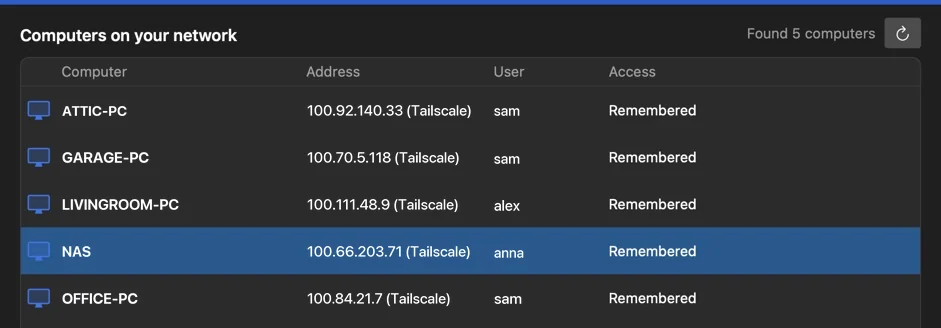
If Tailscale says your computers are online but none of them answer (it happens now and then, and restarting Tailscale fixes it), the list tells you so.
Slow connection
Over Tailscale the connection isn’t always fast. When two computers can’t reach each other directly, Tailscale relays the traffic, and from a phone’s hotspot or a far-away Wi-Fi it can get really slow. So there is a new quality, Slow connection, first in the Quality list. Big changes come blurrier and smaller than with Speed and are sharpened once the screen is still, while typing and other small changes still go sharp at once.
I tested it this week on a relayed Tailscale link where only about 65 KB/s got through from the PC to my Mac, and I could still work on it: typing, copying text both ways and sending files all worked.
It reconnects by itself
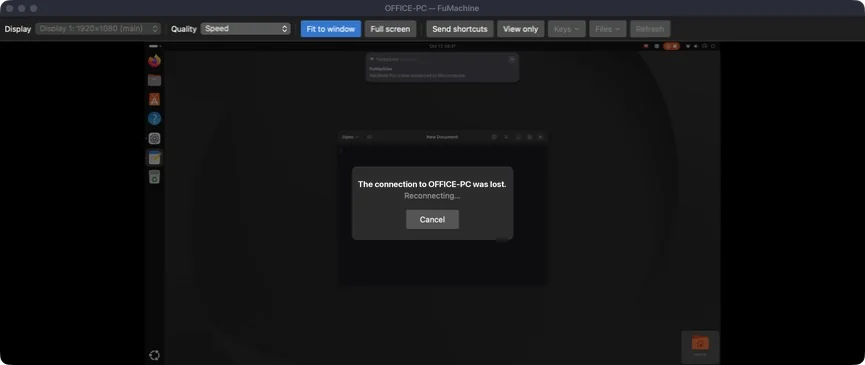
When the connection drops or the other computer restarts, the viewer window now stays open and connects again by itself, for up to ten minutes. The last picture stays, dimmed, until it’s back.
The sign-in screen
On Windows, Settings → This computer → Allow access to the lock and sign-in screen installs a small Windows service, so you can reach a computer that is locked or where nobody has signed in yet, and sign in from the viewer. Keys → Ctrl+Alt+Del works too. On Linux there are settings for a computer nobody sits at: unlock the screen for viewers who sign in, and keep the screen from locking by itself while FuMachine runs.
And a lot of small things
- Wake-on-LAN: a computer you have connected to stays in the list, greyed out as Off or asleep, while it sleeps. Double-click it and FuMachine wakes it up over the network and connects as soon as it’s back (the computer has to allow waking, and it usually works over a cable).
- Pin to top: right-click a computer to keep it at the top of the list.
- View only, for watching without touching anything.
- Save a picture of the screen (Ctrl+Alt+Shift+S, or ⌃⌘S on the Mac).
- The display, the quality and Fit to window are remembered for each computer.
- Send characters as typed here, for when the other computer has another keyboard layout.
- A progress bar while files go, and the picture and the keyboard are no longer held up behind them.
- Every button explains what it does when you rest the mouse on it, and Settings has four tabs.
- Check for updates in the About window, and every download on the web page shows its SHA-256.
- Before a password goes to a computer you haven’t connected to before, FuMachine asks first.
Lots of bug hunting
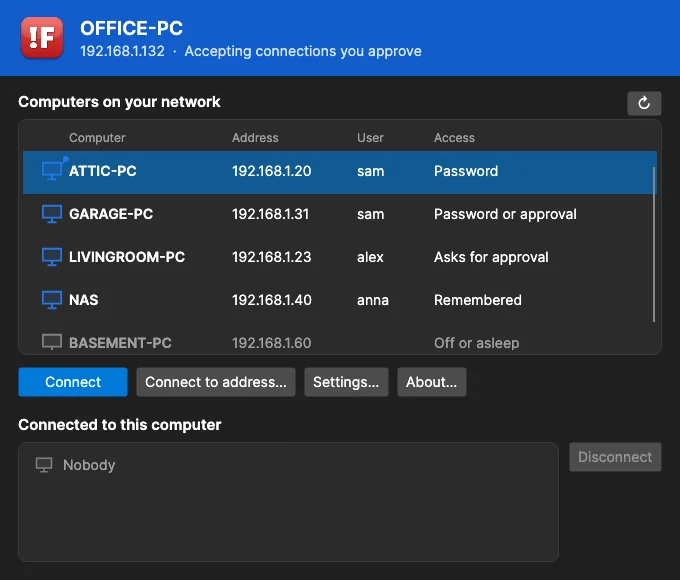
Between the new features I’ve spent a lot of time hunting bugs on Windows, Linux and the Mac, and well over 200 of them have been found and fixed. Today’s hunt was the first one on the real machines: the Mac controlling my Linux PCs over a slow, relayed connection. That is how Slow connection got its last fix before this release.
Get it
Version 0.2.6 is out for Windows, Linux (x64 and ARM64) and the Mac. It’s still free, and there’s still no audio. Get it here!